
Catalog template for small business: which one to pick
For most small shops, the best catalog template is a full catalogue. Pick a price list for a quick one-page list, a flyer for one offer, and a line sheet for wholesale buyers.
Quick answer: most small shops should start with a full catalogue template. It has a cover, your story, product pages with prices and a contact page.
But a catalogue is not always the right tool. Sometimes you only need a price list, or one flyer for a weekend offer. This guide explains each catalog template for small business owners, so you can pick the right one in a minute.
CatalogLeaf has 24 free templates. They come in six types, for eight kinds of business, like jewellery, bakery, beauty and furniture. All of them work with your own photos.
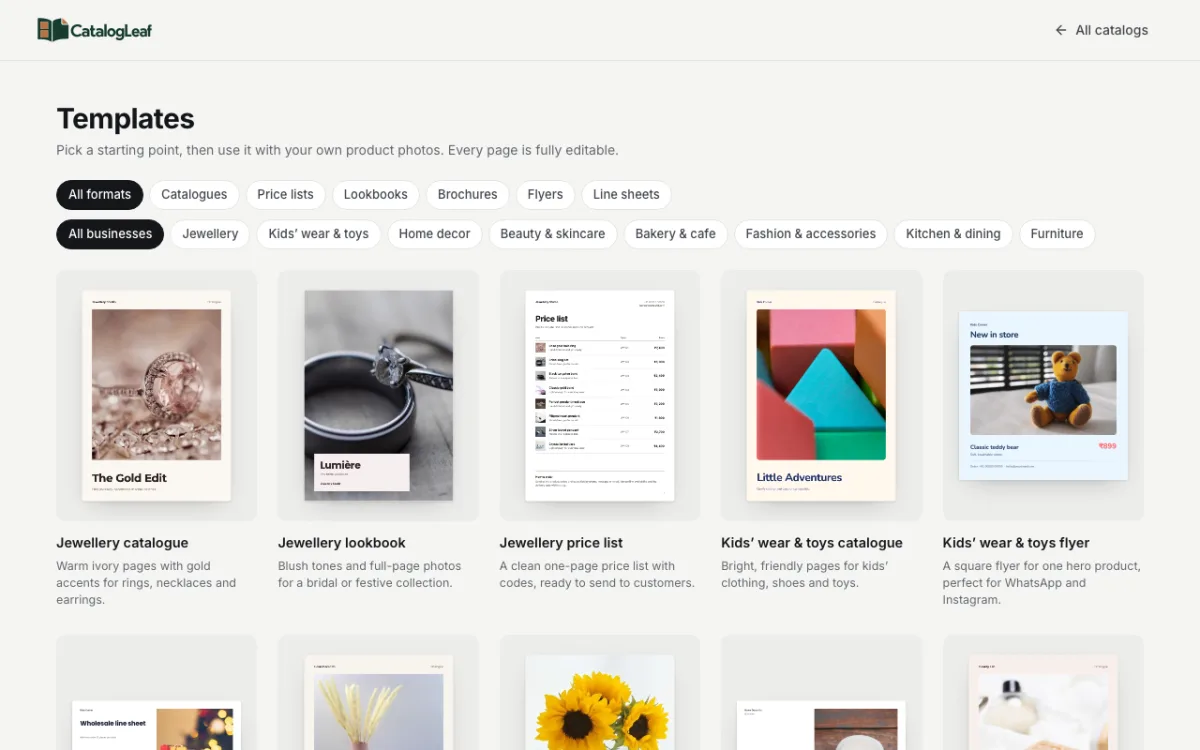
The six templates side by side
| Template | Best for | What is inside | Page size |
|---|---|---|---|
| Catalogue | Showing your full range | Cover, about you, product pages, one featured product, contact page | A4 (one is wide) |
| Price list | A quick list to send on chat | One table: photo, name, code, price, and how to order | A4 |
| Lookbook | A new collection or season | Big full-page photos, short captions, a contact page | A4 |
| Brochure | Telling your story with a few products | Cover, your story, a few product pages, contact page | A4 wide |
| Flyer | One product or one offer | One page per product: headline, big photo, name, price | Square or A4 |
| Line sheet | Wholesale buyers and shops | Trade terms first, then codes and wholesale prices | A4 wide |
"A4 wide" means the page is turned sideways, also called landscape.
When to pick a catalogue
Pick a catalogue when customers want to browse everything you sell. It suits gift shops, home decor stores, kids wear shops and jewellers.
Each product gets a photo, a name, a code, a price and one short line. The about page builds trust, and the contact page tells people how to order. If you are not sure what to choose, choose this.
When to pick a price list
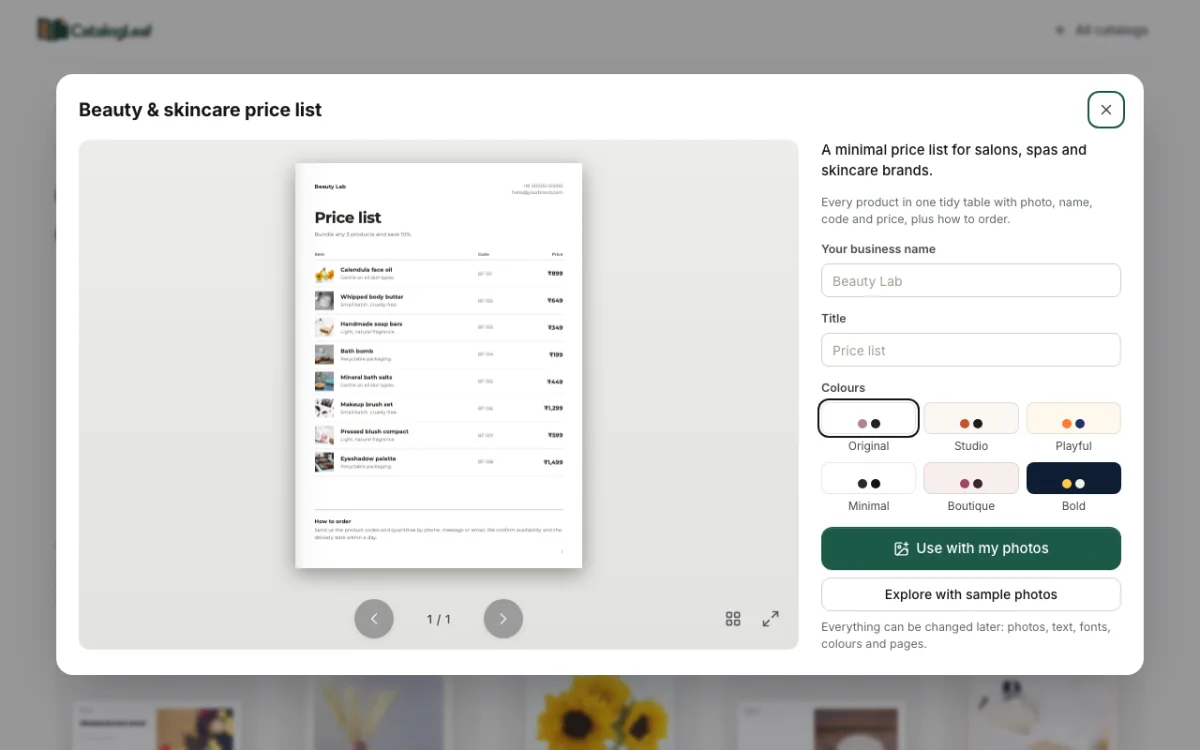
Pick a price list when customers already know your products. They only want the prices. Bakeries, salons and beauty brands use this a lot.
All products sit in one tidy table, with a small photo next to each one. If your list is long, more pages are added for you.
When to pick a lookbook
A lookbook is a book of big photos that shows a style. Pick it when the look sells the product, like clothes, bridal jewellery or furniture.
Your first photo fills the cover. The next three products each get a full page, and the rest go on grid pages.
When to pick a brochure
Pick a brochure when your story matters as much as your products. For example, you make things by hand, or you work with local makers. The pages are wide, with the photo and the text side by side.
When to pick a flyer
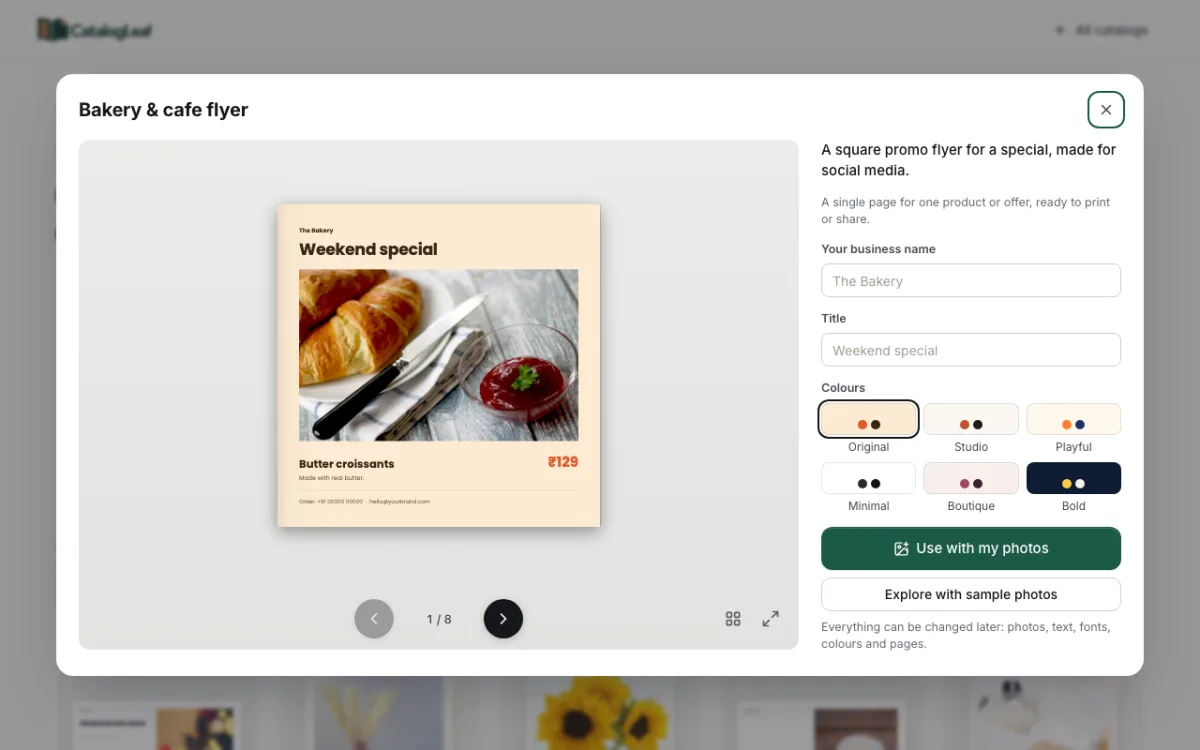
Pick a flyer for one product or one offer, like "Weekend special". Each product gets its own page. The square size fits WhatsApp status and Instagram posts.
When to pick a line sheet
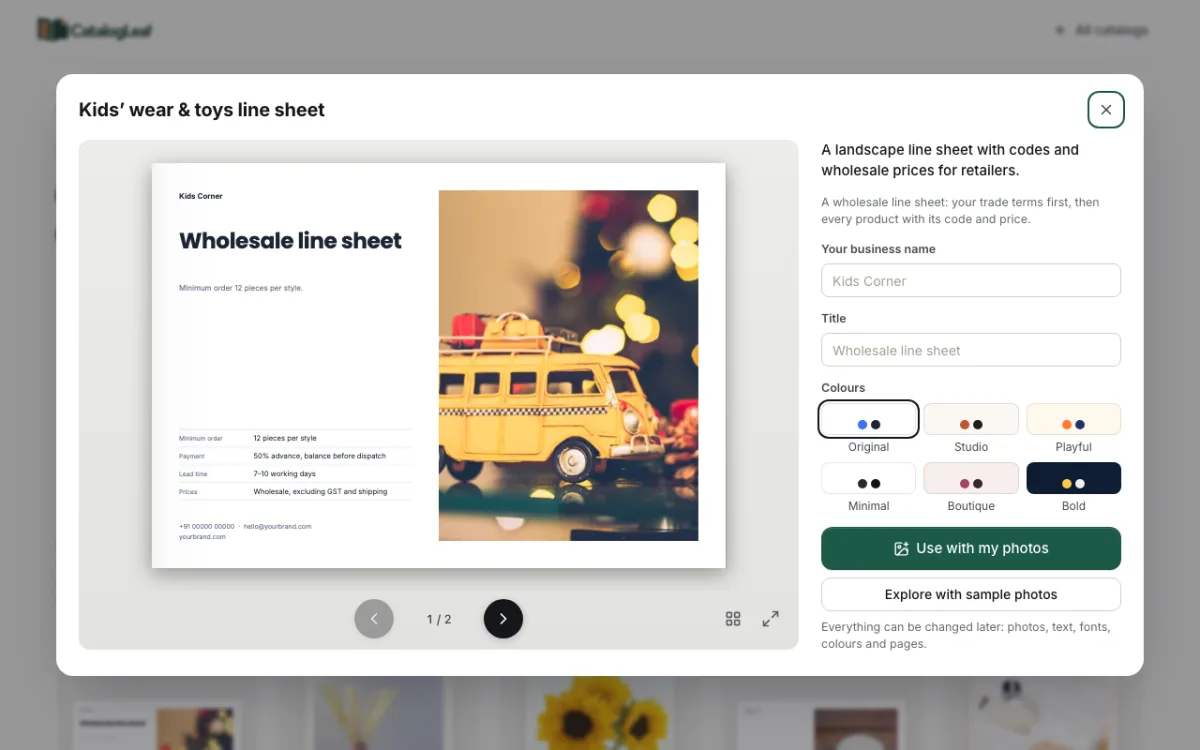
A line sheet is a list for wholesale buyers, such as other shops. Pick it if you sell in bulk. The first page shows your trade terms: minimum order, payment and how long delivery takes. The next pages show each product with its code and wholesale price.
How to use a template
- Open the templates gallery. Use the filters at the top, like Price lists or Bakery & cafe.
- Click a template to see every page.
- Type your business name and pick a colour set under Colours.
- Click Use with my photos and drop in your product photos.
- Type names and prices, then click Next: choose a look and Create catalog.
Picked the wrong one? On the Add your products page, click Change template and choose another.
Our pick
Start with the catalogue template made for your kind of shop. Later, make a price list or a flyer from the same photos when you need one. Both take only a few minutes.
You can browse all free catalogue templates by business. To see one in detail, open the bakery price list template or the jewellery catalogue template.
Pick a template that fits your shop and make your first catalog today.