 CatalogLeaf
Turn a PDF into a flipbook
Upload your catalogue or brochure PDF and get a flipbook with real page turns in seconds. Free, no sign-up.
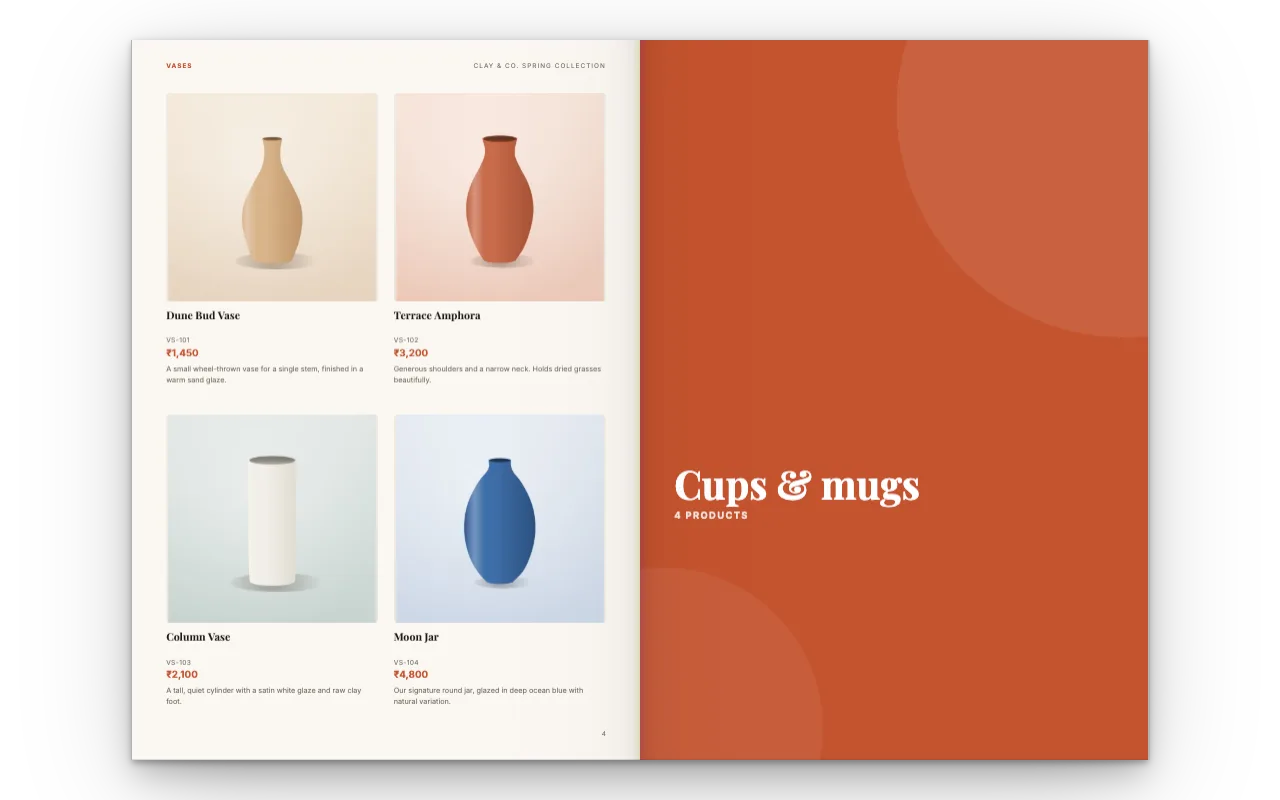
How it works
Upload your PDF
One file or several. Several PDFs are joined in the order you choose.
Add what a PDF can’t
Put video, links, photos or text on any page, or add new pages.
Share it
Send a free link, embed it on your website, or download the PDF again.
Big PDFs open fast
Only the pages someone is looking at are drawn, so a 100-page catalogue opens about as quickly as a 10-page one. In our tests the first page appeared in under half a second.
Your PDF is read on your own device. Nothing is uploaded unless you create a share link, and then only the finished pages.
Your PDF stays sharp
When you download the PDF again, your original pages are kept as they were, with crisp text, plus anything you added on top.
Good to know
Share links
Up to 200 pages and 250 MB per flipbook.
Password-protected PDFs
Remove the password first, then upload.
Mixed page sizes
Pages are fitted to the size of your first page.
Questions
Is the PDF to flipbook converter free?
Yes, with no sign-up and no watermark on your pages. Shared flipbooks show a small "Made with CatalogLeaf" credit.
Can I upload more than one PDF?
Yes. Add several PDFs and put them in order. They become one flipbook.
Can I add video to my PDF?
Yes. Place a YouTube, Vimeo or uploaded video on any page. It plays inside the flipbook, and shows as a picture with a link in the downloaded PDF.
Who can see my flipbook?
Only people you send the link to, or visitors of a website where you embed it. You can stop sharing at any time.
Will it work with my catalogue made in Canva or InDesign?
Yes. Export it as a PDF from any design tool, then upload that PDF here.