 CatalogLeaf
Free flipbook maker
Turn your photos or a PDF into a flipbook with real page turns. Share a link, put it on your website, or download a PDF. No sign-up.
How it works
Add photos or a PDF
Drop in product photos, an Excel list, or a PDF you already have.
Make it yours
Change any text, font or colour. Add video, links and background artwork.
Share or download
Get a free link, paste it into your website, or download the PDF.
A flipbook that feels like paper
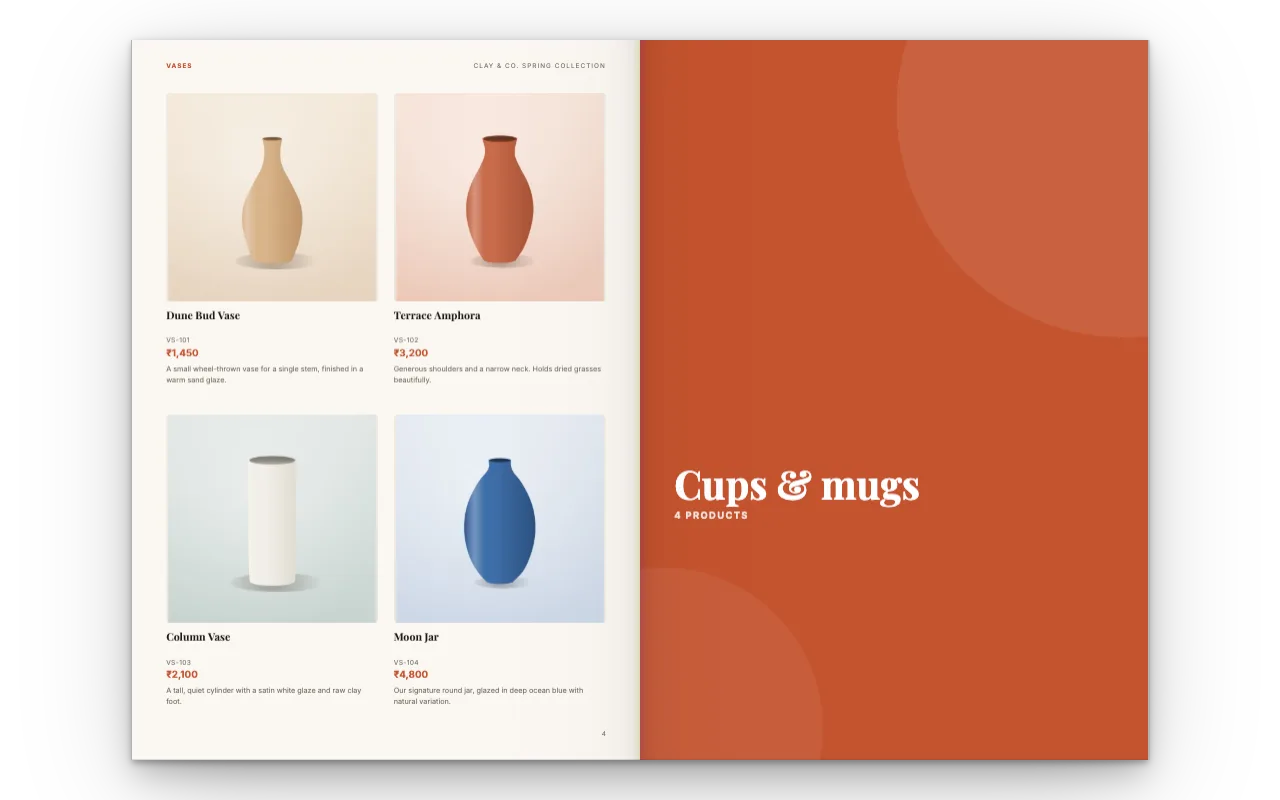
Pages curl and turn like a real catalogue when you click or drag a corner, and stay smooth on phones. Videos play right on the page and links are clickable.
Everything is made in your browser. Nothing is uploaded unless you choose to create a share link.
What you can put in your flipbook
Product photos
One per page, or many in a neat grid.
Names, prices and text
Edit any word and pick your fonts.
Video
YouTube, Vimeo or your own clip.
Links
A "Buy now" or WhatsApp link on any product.
Background artwork
Soft shapes, or upload your own.
Your colours
Start from a style, then change any colour.
No watermark on your pages
Your pages and your PDF stay clean. Shared flipbooks show only a small "Made with CatalogLeaf" credit in the corner, which keeps the tool free.
Questions
Is this flipbook maker really free?
Yes. Making, sharing and downloading are free, with no account. Ads appear only on our own website pages, never inside your flipbook or PDF.
How do I share my flipbook?
Open Share, choose the look and click Create my link. Send the link on WhatsApp or email, or copy the embed code for your website. The link always shows your latest version.
Can I make a flipbook from a PDF?
Yes. Upload one or more PDFs and they become a flipbook. You can add photos, text and video on top. See PDF to flipbook.
Does the flipbook work on phones?
Yes. On phones it shows one page at a time and you swipe or tap to turn.
Can I print it?
Yes. Download a print-ready PDF in A4, US Letter, square or a custom size.