
Make a PDF catalog online
Pick a ready-made catalogue, price list or flyer, add your own product photos, and download a PDF you can print or send. Free, no sign-up.
How it works
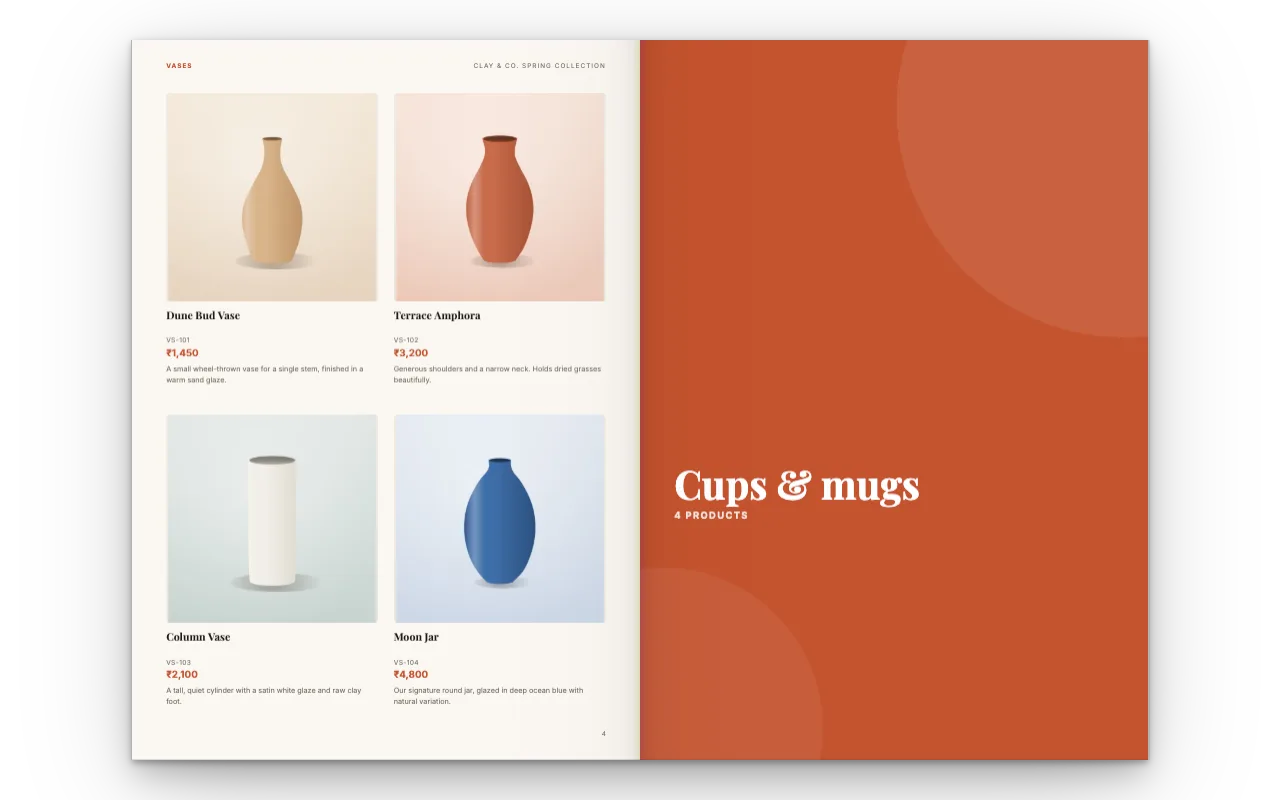
Pick a template
Catalogues, price lists, lookbooks, brochures, flyers and line sheets for many kinds of business. Or start from your photos or an Excel list.
Add your products
Drop in your photos and type names and prices. Pages are added as your list grows.
Download the PDF
Print-ready, or a small file for WhatsApp and email.
Templates made for real products
Catalogue
Cover, your story, product pages, a featured product and a contact page.
Price list
Every product in one table with photo, name, code and price.
Lookbook
Big, full-page photos with short captions.
Brochure
A short landscape brochure with your story and a few products.
Flyer
One product or offer on a single page.
Line sheet
Trade terms first, then every product with code and wholesale price.
Or start from your photos or an Excel list
No template needed. Drop in your product photos and the pages are laid out for you, one to nine products a page.
Have a product list? Upload a CSV or Excel file and the columns are recognised for you: name, code, price, category, description and image. Photos are matched by file name or product code, and pictures inside Excel cells are picked up too. Each category starts on a new page.
A PDF that is ready to print
Catalogues and price lists are A4 (flyers also come square for social media). Text in the PDF is real text, so it stays sharp at any size and can be searched and copied. Links stay clickable, and videos appear as a picture that links to the video.
Pick the file size when you download. In our tests a 20-page catalogue with 30 photos was about 0.7 MB on Compact (good for WhatsApp and email), 1.5 MB on Standard (sharp on screens) and 6 MB on HD (for printing and zooming in).
Change it any time
Every page stays editable: photos, text, fonts, colours and pages. Your catalogue is saved in your browser, so you can change a price and download a new PDF whenever you need one. If you share a link instead, update it and everyone sees the new version.
Already have a PDF catalog? Put it online
Upload the PDF you already have, made in Canva, InDesign or anything else, and it becomes an online catalog with real page turns. Send the link on WhatsApp or email, or embed it on your website. Customers need no app: it opens in any browser, on a phone or a computer.
Questions
How do I make a catalog PDF?
Choose a template, add your product photos, names and prices, and click Download PDF. It takes a few minutes and needs no account.
How do I put a PDF catalog online?
Click Put my PDF catalog online and upload your PDF. Then open Share and click Create my link. Anyone with the link can turn the pages in their browser. It is free.
Can I use my own photos in a template?
Yes. Drop in your photos and they are placed into the template. Pages are added or removed to fit however many products you have.
Can I make a catalogue PDF from Excel?
Yes. Upload a CSV or XLSX file. Columns like Name, Price, Code and Category are recognised automatically, and you can fix any that are wrong.
Which currencies are supported?
Rupee, dollar, euro and pound formatting, or prices exactly as written in your sheet.
Is the PDF good enough to print?
Yes. Choose HD quality when you download. Catalogues and price lists are A4, and the text stays sharp because it is real text, not a picture.
Catalog or catalogue?
Both spellings mean the same thing, and this tool makes both. Use whichever your customers use.
Is it free?
Yes, with no account and no watermark on your PDF.