
Footwear catalogue design, explained page by page
A good footwear catalogue design shows each pair clearly, then sizes, materials and how to order. Here is Ruby Steps, a free template, explained part by part.
Shoe buyers ask the same three things. What sizes? What is it made of? How much? A good footwear catalogue design answers all three before anyone has to ask.
This post takes one free design apart page by page. It is Ruby Steps, one of the newest CatalogLeaf templates. Each part below says why it works and how to copy it with your own photos. The photos in it are sample photos.
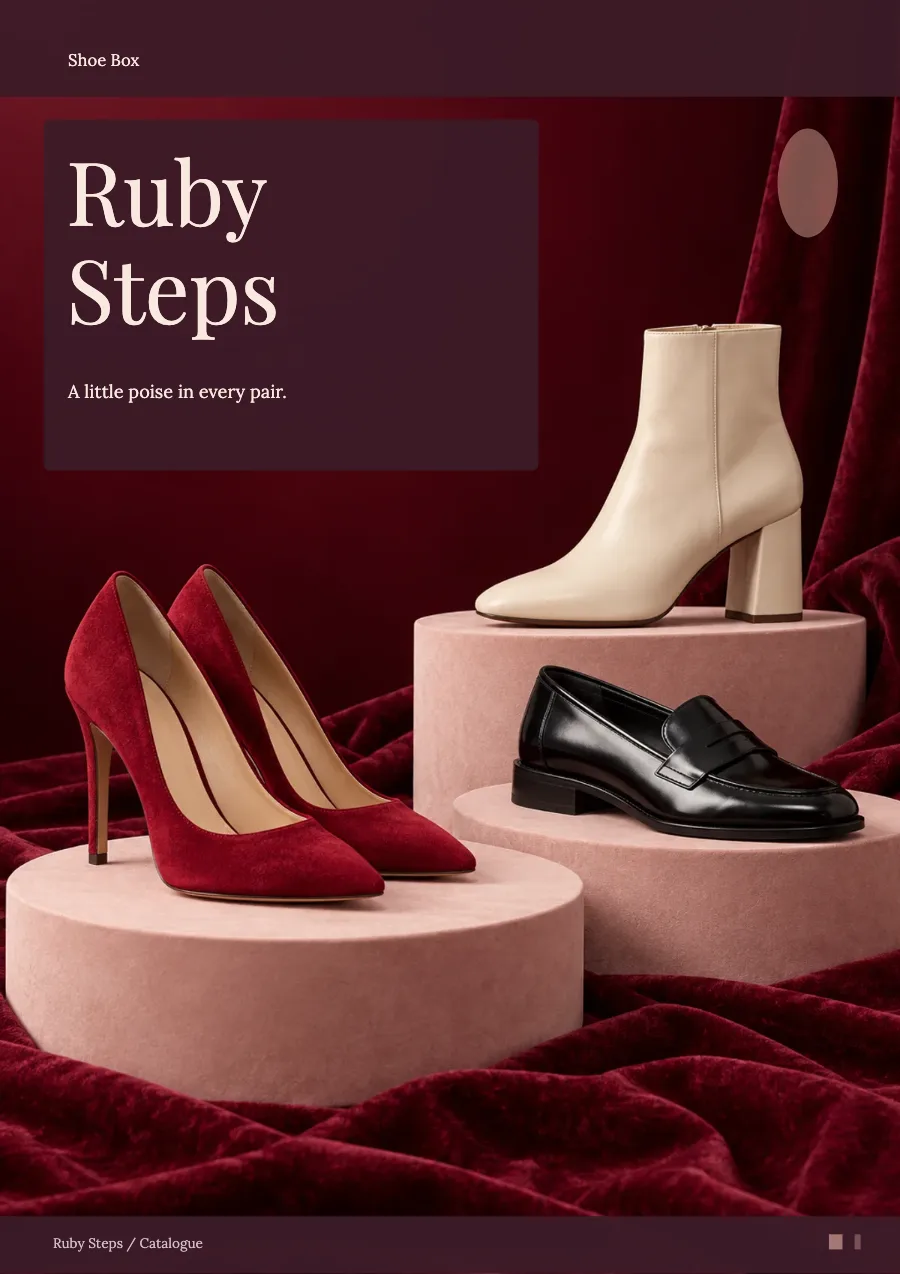
The cover
The cover is deep wine red with one big photo. Three pairs stand on pale pink stands over velvet. The title sits in a dark box at the top left, with one short line under it.
Why it works: the shoes are the brightest thing on the page. There are only a few words. Your eye goes straight to the red heels.
To copy it, pick a photo with two or three pairs on a plain surface. Leave the top left calm for the title. In the editor, open the cover page and click Change next to Background photo to use your own.
The close-up page
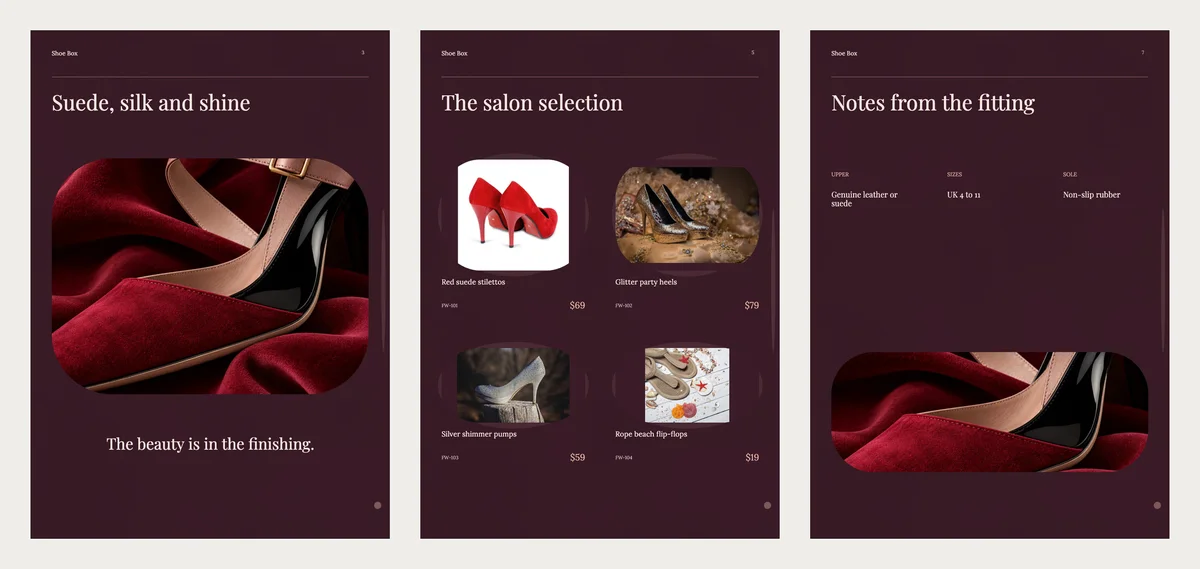
Page three, "Suede, silk and shine", is one big close photo with one line under it. It shows the finish of a shoe, not the whole pair.
Why it works: buyers judge quality from the stitching, the suede and the shine. One close photo says more than a paragraph. Use your best detail shot here, like a buckle or a heel.
The selection page
"The salon selection" shows four pairs, each with a name, a code and a price. The photos sit in soft rounded frames on the dark page.
Why it works: four pairs is enough to compare, but not so many that the page feels busy. Keep the same angle for every pair, side on, so they look like a set.
The fitting notes
"Notes from the fitting" has three short notes in a row: upper, sizes and sole. The sample says genuine leather or suede, UK 4 to 11, and non-slip rubber.
Why it works: this is the page that stops the "Do you have size 9?" message. Change the three notes to your own facts. If your sizes differ by style, write them under each pair instead.
The pair register
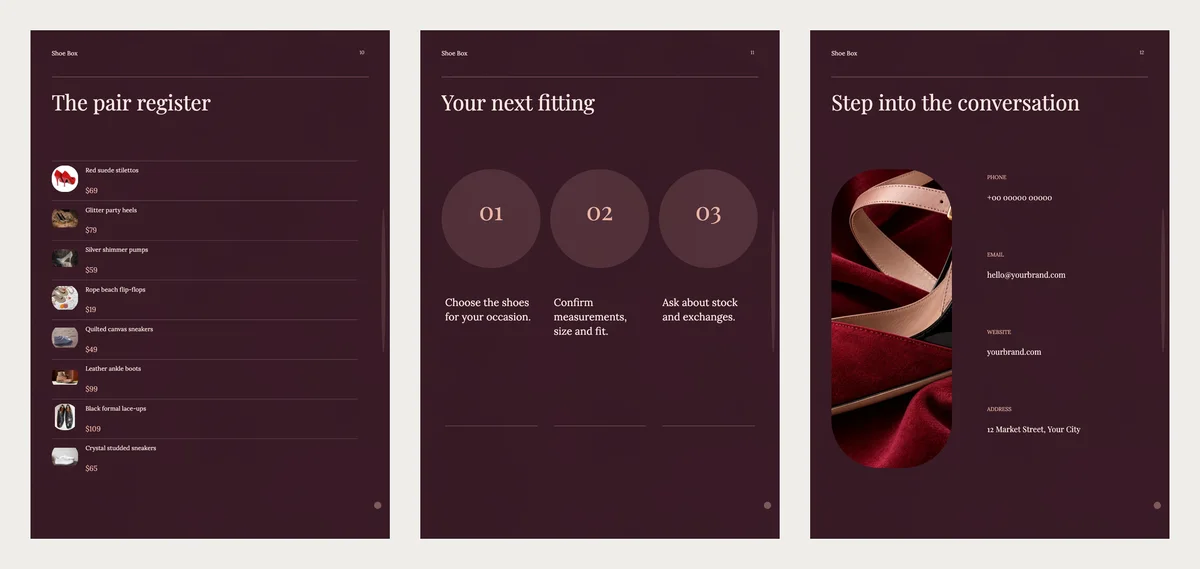
Near the back, "The pair register" lists every pair in one column, each with a small photo and its price. It works like a price list inside the catalogue.
Why it works: some buyers flip to the end to check prices first. Give them that page and they come back to the photos.
How to order and contact
"Your next fitting" has three numbered circles: choose the shoes, confirm the size and fit, ask about stock and exchanges. The last page has your phone, email, website and address next to one tall photo.
Why it works: three short steps make ordering feel easy. Change the sample phone and email to your own before you send it.
Other footwear designs to try
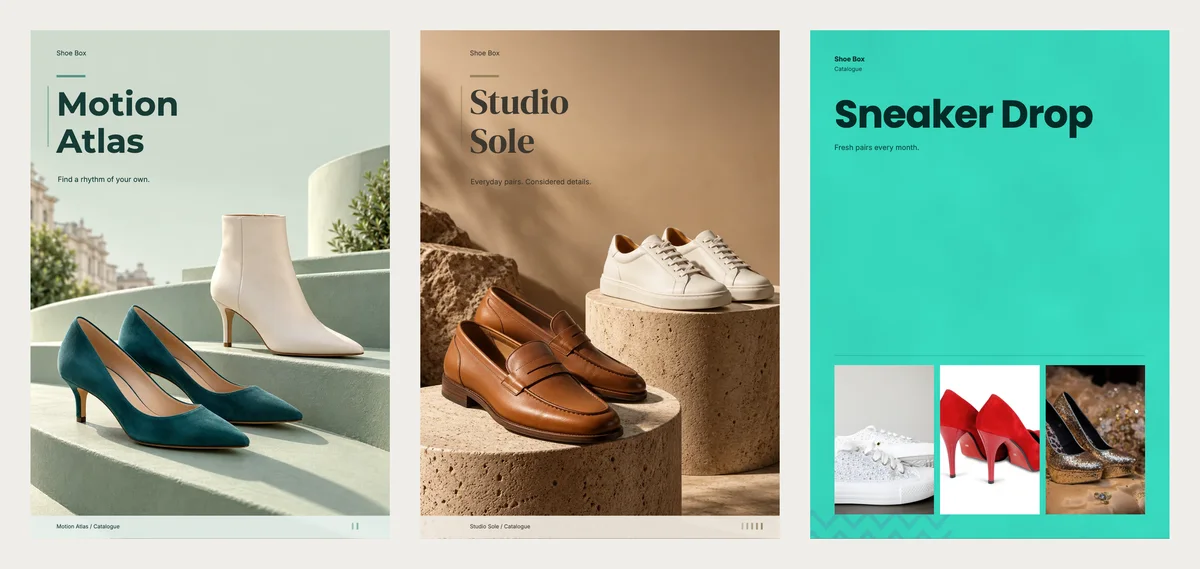
Ruby Steps suits heels, party shoes and festive pairs. For other shops:
- Motion Atlas is pale sage with green heels on soft steps. It suits everyday women's shoes and has the same fitting-notes page.
- Studio Sole is warm sand with loafers and sneakers on stone stands. It suits leather shoes and smart casual pairs.
- Sneaker Drop is bright aqua with big type and three photos on the cover. It suits a sneaker shop with new pairs every month.
You can see every design on the footwear catalogue templates page.
What to write under each pair
Keep it short: a name, one line and a price. Put the size range or the material in the line.
| Name | Short line | Price |
|---|---|---|
| Red suede stilettos | Sizes 4 to 9, easy exchange on size | $69 |
| Black formal lace-ups | Genuine leather, cushioned insole | $109 |
| Quilted canvas sneakers | Light and flexible sole | $49 |
Example prices are in US dollars, like the templates. Write your own price in your own money.
Make your footwear catalogue in CatalogLeaf
- Open Ruby Steps or another design and click Use with my photos.
- Add your shoe photos. Type a name and a price for each pair.
- Click Next: choose a look, type your shop name and click Create catalog.
Want to see it with sample shoes first? Click Explore with sample photos instead. Sell clothes as well as shoes? Read how to make a clothing lookbook. Open Ruby Steps, add your five best pairs and send it to one customer today.