
Free slide book maker
Turn your product photos or a PDF into a slide book customers swipe through, one page at a time, like a post with several photos. Free, no sign-up.
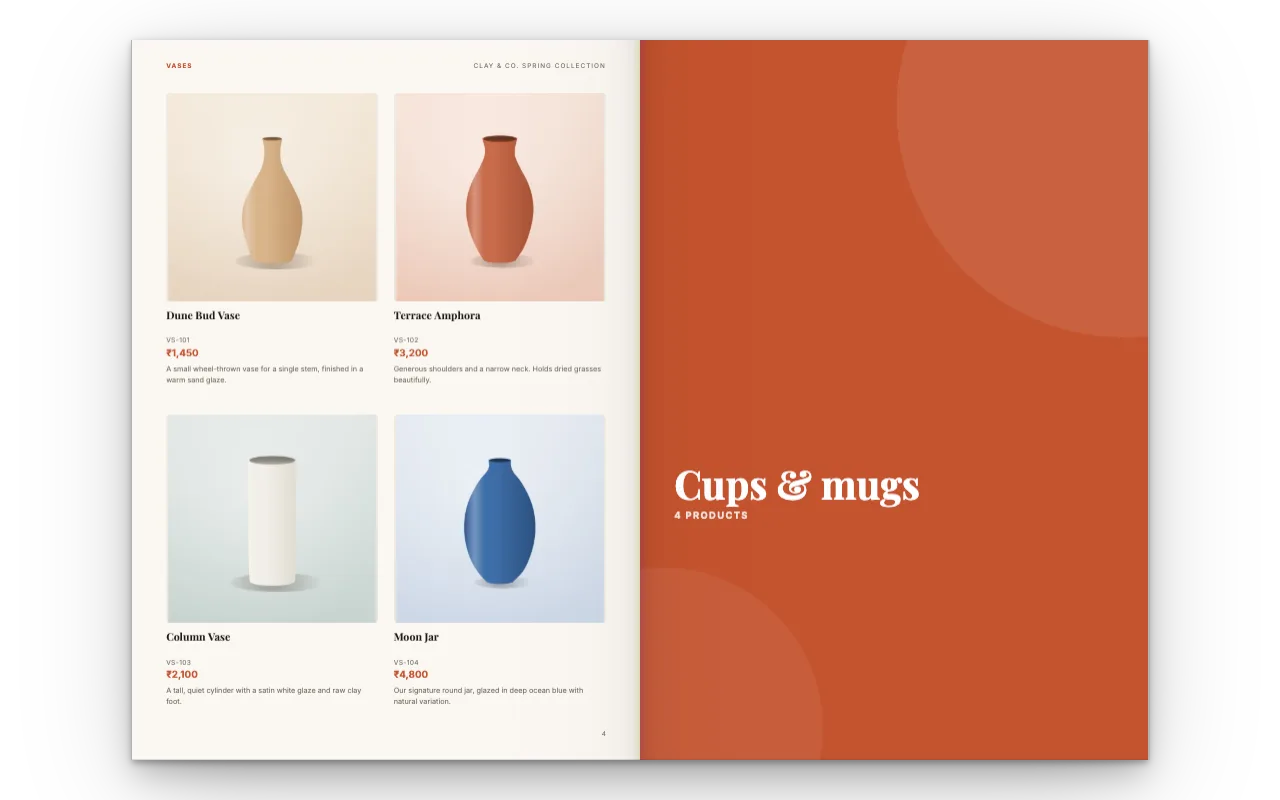
How it works
Add photos or a PDF
Drop in product photos, an Excel list, or a PDF you already have.
Pick how it opens
Phones swipe page by page from the start. Choose Swipe to show it that way on computers too.
Share the link
Send it on WhatsApp or email, or embed it on your website.
One page at a time, made for phones
Each page fills the screen. Customers swipe sideways to the next one, and dots under the page show where they are. On a computer they can drag with the mouse, use the arrow keys, or click Previous and Next arrows if you turn them on.
Only the pages next to the one on screen are loaded, so even a long slide book stays light on older phones.
Slide book or flipbook? You choose
A share link can open in three ways. Pick one in Share, under How it opens; you can change it later and the link stays the same.
Swipe on phones
Phones swipe page by page, and computers show a flipbook with page turns. New links start here.
Swipe
One page at a time everywhere, with dots under it.
Flipbook
Pages curl and turn like a printed catalogue everywhere.
Everything still works when they swipe
Your brand at the top
Your logo and business name sit above the pages, like a post from your shop.
Buttons and links
Buy now, Order on WhatsApp and Follow us buttons open with one tap.
Video
Videos play right on the page.
All pages
Jump to any page from the page thumbnails.
The PDF
Let people download the PDF too, or keep it to the link.
Questions
What is a slide book?
A book people read by swiping sideways, one page at a time, like a post with several photos, instead of turning pages. Here it is your catalogue, brochure or lookbook, shared as a link.
Is this slide book maker free?
Yes. Making, sharing and embedding are free, with no account. Ads appear only on our own website pages, never inside your slide book or PDF.
Can I make a slide book from a PDF?
Yes. Upload one or more PDFs and share them as a link. Phones swipe through the pages, and you can add buttons, links and video on top first.
Can it be a slide book on computers too?
Yes. In Share, under How it opens, choose Swipe. Choose Flipbook if you want page turns everywhere instead.
Does it work on my website?
Yes. The embed code follows the same choice, so visitors on phones swipe through it right on your site.
Is there a watermark?
Not on your pages. A small "Made with CatalogLeaf" credit sits under them, and a share link adds a short "make your own" card after the last page.