
Flipbook maker with sound: what to check before you pick
Judge a flipbook maker with sound by its link on a phone, not its sales page. Music should wait for a tap, switch off easily and keep going as pages turn.
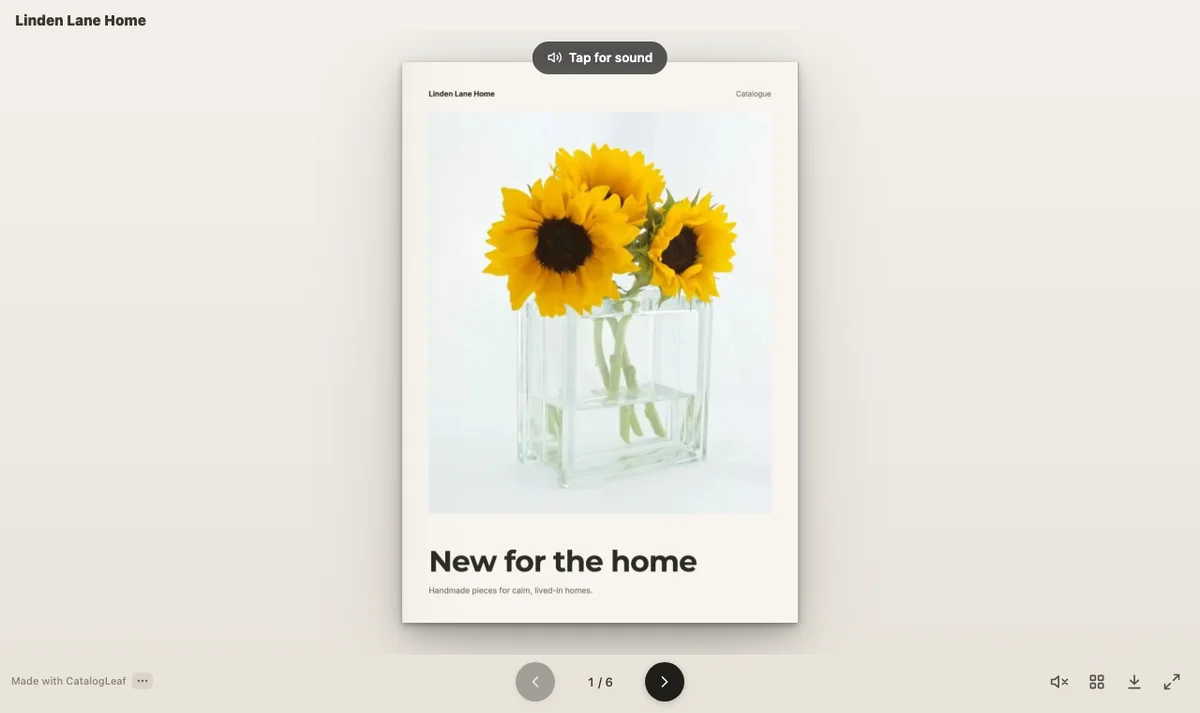
We opened a catalogue link with music on a phone-sized screen. Nothing played. One tap on the page, and a soft song began. A tap on the speaker, and it stopped.
That is how a good flipbook maker with sound behaves. Plenty of tools can add a song, but they differ on a stranger's phone. So test the link, not the sales page.
What your customers will hear
- Open a demo link on your phone. Phones hold back sound until the reader taps. A good tool shows a clear prompt, so the reader knows there is music.
- Find the off switch. Some customers open your link in a meeting or a waiting room. One button must stop the music, on every page.
- Turn three pages while it plays. Does the song carry on? One that starts again at each turn soon annoys people.
- Lock the phone, then open it again. The music must pause, so it doesn't keep playing in a pocket.
What you can change yourself
- Check it takes your own MP3. Look for the file type and the size limit before you plan around one song. Use only music you own or have the right to share.
- Check you can set the volume. A soft starting level won't startle anyone.
- Look for a choice for the last page. A fade tells the reader they have reached the back cover. Music that keeps going suits a tablet left open at your counter.
- Look for a preview with your own pages. It shows whether the song fits your products before a customer hears it.
What it costs and what you may share
Open the maker's pricing page and look for music or audio under the free plan. Then read the licence of its built-in tracks. You want songs you may share in a business catalogue with no fee and no credit line. A track marked CC0 is one: its maker gave up their copyright, as far as the law allows.
Two more checks save trouble later. The song should load only after the tap, so it doesn't slow the first page on mobile data. And you should be able to change the song without sending a new link.
We ran the list on CatalogLeaf
We tested the first four checks on our demo link, mostly in a phone-sized browser set to wait for a tap. Hiding the page stood in for locking the phone. The rest come from the app's settings and code.
| Check | What we found |
|---|---|
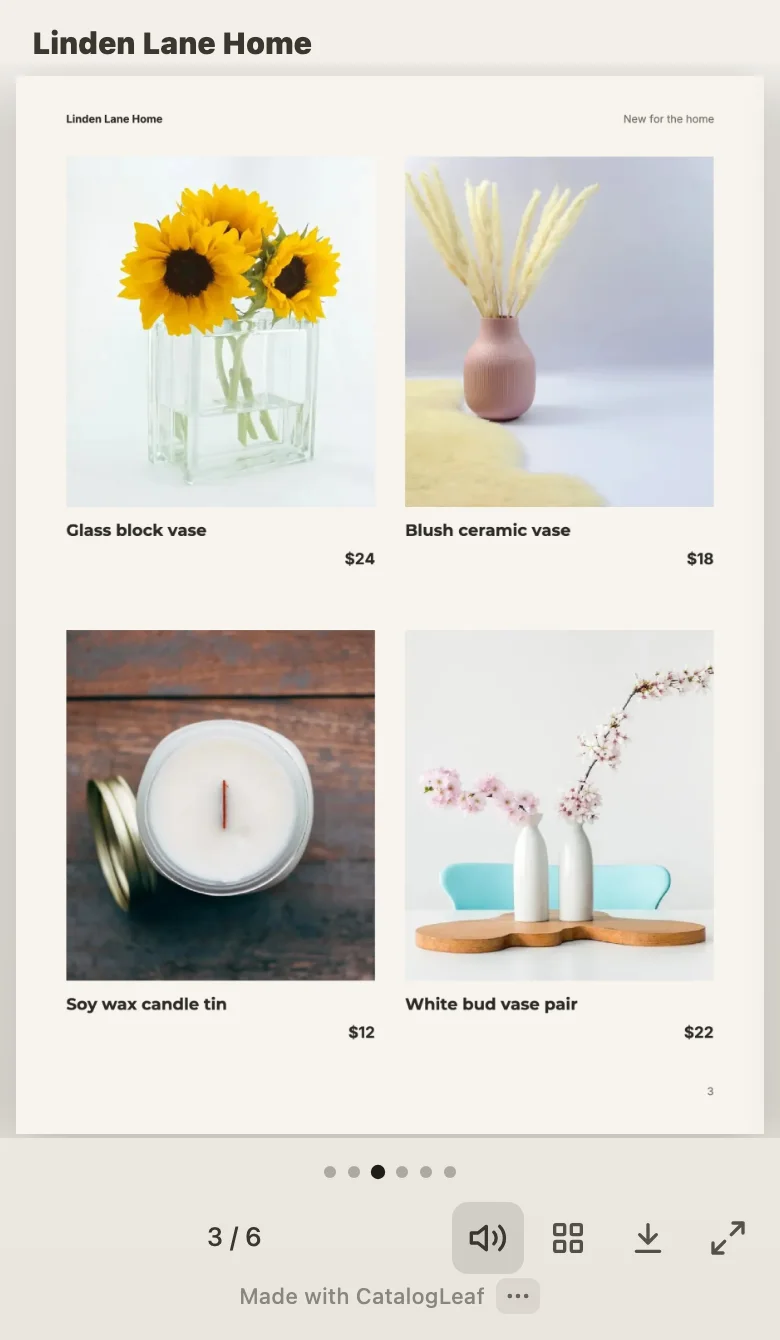
| A tap before sound | Tap for sound appeared on both screens. On the phone, no music downloaded until the tap. |
| Off switch | The speaker button under the page. Once off, it stayed off through two page turns and a tap on the page. |
| Page turns | The song kept playing through swipes on the phone and page turns on the computer. |
| Locking the phone | It paused when the page was hidden and started again when the page came back. |
| Your own MP3 | Yes, MP3 files. In Chrome, Edge and recent Safari, files over 4 MB are made smaller for the link. |
| Volume | A slider from 10% to 100%, set at 60% to start. |
| Last page | Keep playing or Fade out gently. The fade ended our song about 8 seconds after the last page. |
| Preview | Play with my pages turns your pages with the song. Hear the ending plays your last pages with it. |
| Cost | Free, with no sign-up. A small "Made with CatalogLeaf" line shows under the pages. |
| Licence | Built-in tracks in six moods, such as Luxury, which is soft piano. The app says they are free to share, with no credit needed. |
| Changing it | Yes, and your customers keep the same link. |
| Limits | One song for the whole flipbook, and the PDF has no sound. |
For the details behind each row, read what happens when you add music to a flipbook.
Try one, then make yours
Here is our home-decor demo with a soft Chill track. Tap it, then find the speaker button.
To make your own, start in the free flipbook maker, or upload a catalogue you have with PDF to flipbook. In the editor, click Music at the top and pick a track. Then click Share and Create my link.
Open each maker's demo link on your own phone before you sign up for anything.