
Make a digital memory book
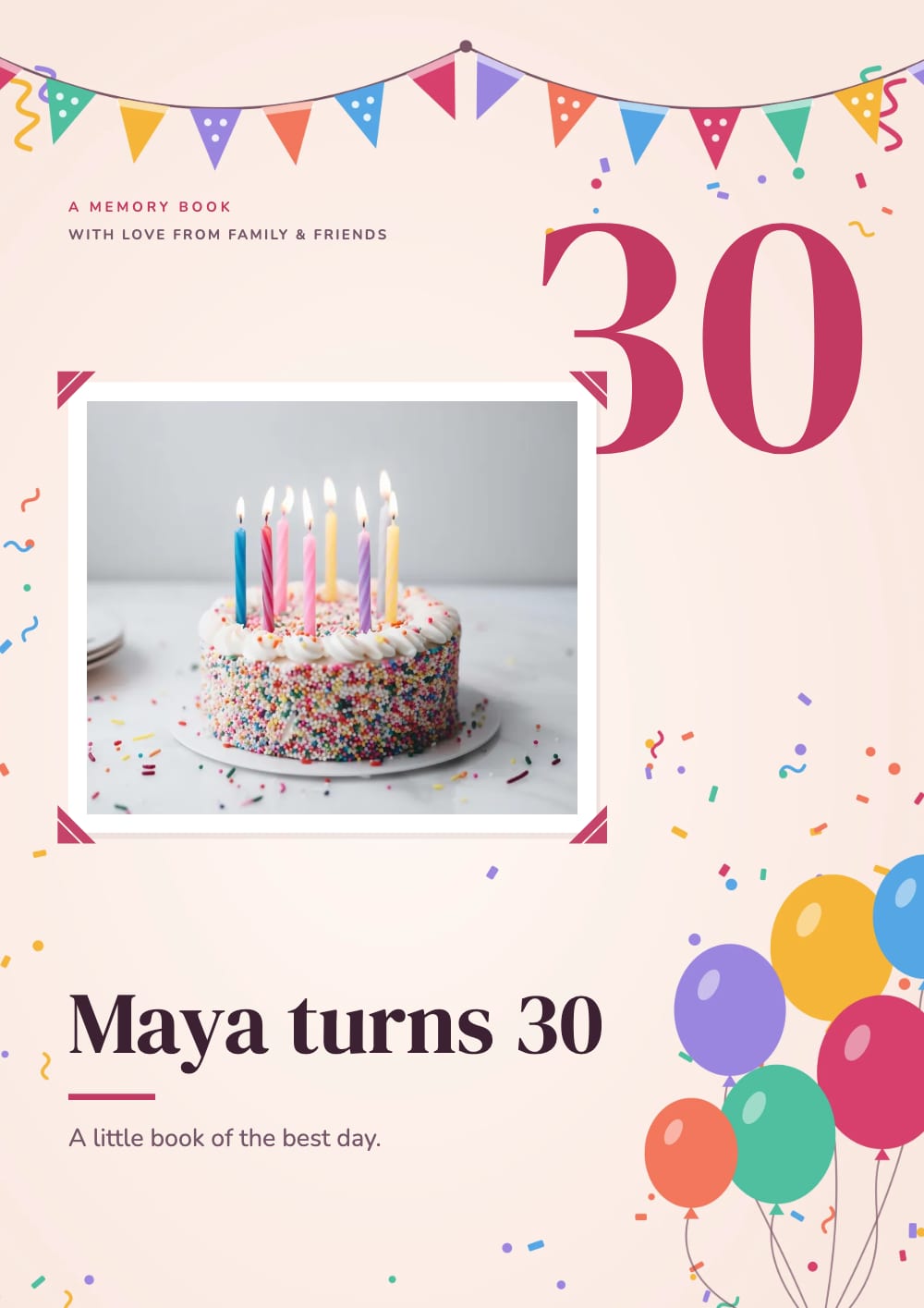
Turn the photos and videos of a birthday into a book with real page turns and its own song. Send one link to family and friends, or print it as a PDF. No sign-up.
How it works
Add your photos
Drop in the photos of the day. One moment can hold up to 10 photos.
Make it yours
Type the name and the age, write one line for each moment, and keep the song or choose another.
Send it
Share the link on WhatsApp or by email, or download a PDF to print.
Not just a folder of photos
A phone gallery shows 200 photos in a row. A memory book picks the best ones and puts a few words under each, so the day reads like a story: the cake, the candles, the gifts, the people.
The book opens on any phone or computer. Pages turn like paper, and a song plays in the background while people read.
Videos that play on the page
Put the video of the song on its own page. It fills the page and starts by itself when someone turns to it.
Short clips from your phone can also sit on one page together and play quietly on a loop. A tap opens one across the page, with sound. Longer videos can come from YouTube or Vimeo.
Good to know
Photos per moment
Up to 10. On the link, tap a photo to see them all.
Music
A song from our music library, or your own MP3.
Share links
Up to 200 pages and 250 MB per book.
Printing
Download a PDF. Videos show as a picture, and extra photos go on “More photos” pages at the end.
Questions
Is the digital memory book free?
Yes. Making it, sharing the link and downloading the PDF are free, with no watermark on your pages. A shared book shows a small "Made with CatalogLeaf" credit under the pages.
Do my family and friends need an app or an account?
No. They open the link in their browser, on a phone or a computer.
Can I add videos to the memory book?
Yes. Add a YouTube or Vimeo link, or a video file from your phone. Videos play inside the book; in the PDF they show as a picture.
Can I make it on my phone?
Yes. It works in the browser on a phone or a computer, with nothing to install.
Is it only for birthdays?
No. The same pages work for an anniversary, a baby’s first year, a wedding or a family trip. Change the title and the words.
Who can see my memory book?
Only people you send the link to. You can stop sharing at any time.