
Free lookbook maker
Add the photos of your new collection, give each look a name and a price, and the pages lay themselves out: a cover, big full-page photos, then the rest in a grid. Share it as a flipbook or download a PDF. No sign-up.
How it works
Add your looks
Drop in your photos and each one becomes a look. Type its name and price, and a line about it if you like.
Check the design
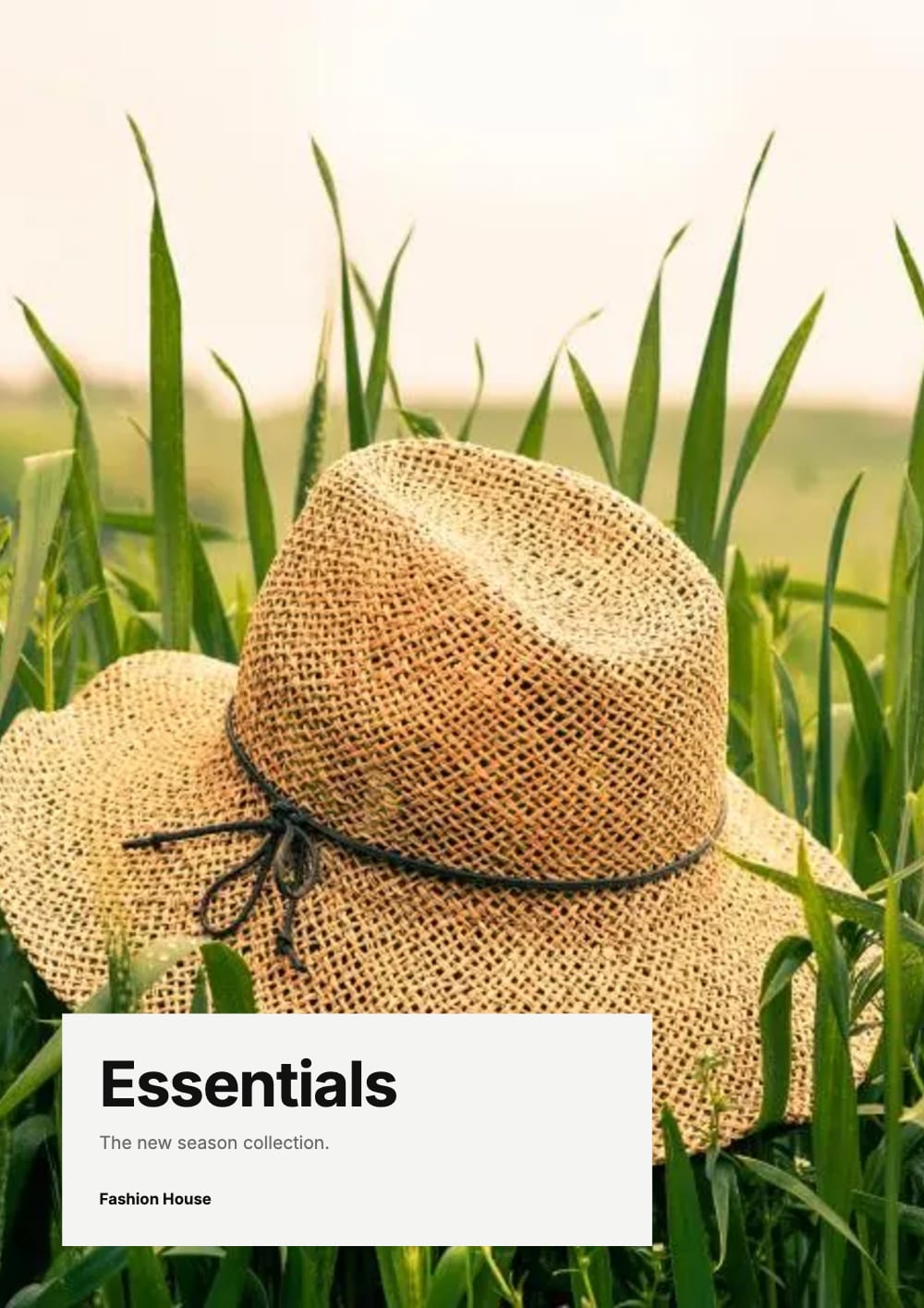
Essentials, a minimal black and white lookbook, is already picked. Type your business name and the collection’s title, or switch to another lookbook.
Create and send it
Tap Create lookbook. Share it as a flipbook link, put it on your website, or download a PDF to send or print.
How a lookbook is laid out
Essentials, Riviera and Monochrome, our fashion lookbooks, follow one plan. All you choose is the order of your photos; the first one leads.
The cover
Your first photo fills it, with the collection’s title and your business name on top.
Three full pages
Looks two, three and four each get a page of their own, with the name and price along the bottom.
More from the collection
With more than four looks, the rest share grid pages, and the cover’s look is listed there with its price. With four or fewer, it gets a full page at the end.
The back page
How to reach you: phone, email, website and address. The sample details are placeholders; type your own.
A lookbook or a catalogue?
A lookbook shows one collection the way you want it seen: a new season, a festive range, a wedding edit. Big photos, few words, one price under each piece. People look through it for the mood, then ask about the piece that caught their eye.
A catalogue lists everything you sell, many products to a page, for buyers who already know what they want. Many businesses send both: the lookbook when a collection arrives, the catalogue when someone is ready to order.
Photos that fill a page
Shoot upright
The full pages are tall, like A4. A photo taken sideways is cut at both sides to fill one, and keeps only about the middle half.
Keep the piece in the middle
Then nothing that matters is lost when the page crops the photo. Wide photos are fine for the grid pages.
No model needed
A garment on a plain wall, or laid flat on a sheet, works well. Save the one photo of someone wearing it for the cover.
Several photos of one look
Add the back, a detail or another colour to the same look. On the link, people tap it to see them all; the PDF puts them on “More photos” pages at the end.
Ways to send it
A flipbook link
Pages turn like a printed lookbook on a computer, and phones swipe one page at a time. Send it on WhatsApp, Instagram or by email.
On your website
Paste the embed code into Shopify, WordPress, Wix or Squarespace, and it turns pages on your own site.
A PDF
Compact for chats and email, HD for a print shop.
A way to order
Put an Order on WhatsApp or Buy now button on any look, so people can ask for it in one tap.
Questions
Is this lookbook maker free?
Yes. Making the lookbook, sharing the link and downloading the PDF cost nothing, and there is no account to make. Your pages carry no watermark; a shared lookbook shows a small "Made with CatalogLeaf" credit under them.
How many looks should I put in?
Five to eight is a good size: the cover, three full pages, one grid page and the back page. More looks add more grid pages.
Can I leave out the prices?
Yes. Leave a look’s price empty and its name takes the whole caption. You can add prices later in the editor.
Is there a lookbook for jewellery, home decor or furniture?
Yes. There are lookbook designs for jewellery, home decor, furniture, sarees, shoes, beauty, kids’ clothes and more. Open See all lookbook designs, or choose another in the design step.
Can I change it after I send the link?
Yes. Change a photo, a price or the order, then tap Update link in Share. Everyone with the link sees the new lookbook at the same address. A PDF you sent has to be sent again.
Can my lookbook play music?
Yes. Tap Music in the editor and pick a track; it plays softly while people turn the pages of your link. See Flipbook with music.