
Make a flipbook with music
Turn your photos or a PDF into a flipbook that plays a song while people turn the pages. Pick one of our free tracks or add your own, then send one link. Free, no sign-up.
How it works
Add your photos
Each photo becomes a page, with a caption under it if you like. Have a PDF instead? Start from it.
Pick the music
Tap Make my flipbook and the Music window opens right away. Choose a mood and a track, or upload your own audio.
Share the link
Open Share and create your link. The song plays for everyone who opens it, whichever way the pages turn.
What people hear when they open it
One song, cover to back page
The music carries on as the pages turn instead of starting again on each one. At the end of the track it loops with a soft join.
A tap to start
Phones and most browsers won’t let a page play sound by itself, so the link shows Tap for sound until the reader taps. Where sound is allowed, the song starts at once.
An off switch
A speaker button under the pages turns the music off and back on.
Quiet when it should be
The music goes quiet while a video on a page plays, and pauses when the reader switches tabs or leaves the browser.
An ending you choose
Let it keep playing on the last page, or fade away gently a few seconds after the last page opens.
Music that’s yours to share
Our own tunes
Made by CatalogLeaf, one for each mood: Bright, Chill, Acoustic, Luxury, Festive and Desi.
Free tracks
Public domain and CC0 music by other musicians, including two Chopin pieces. Free to share, with no credit needed.
Your own audio
An MP3, M4A, WAV or other audio file. Use a song you made, or one you have permission to share.
Volume and speed
Set how loud it plays, and slow a track down or speed it up without changing its pitch.
A photo flipbook with music
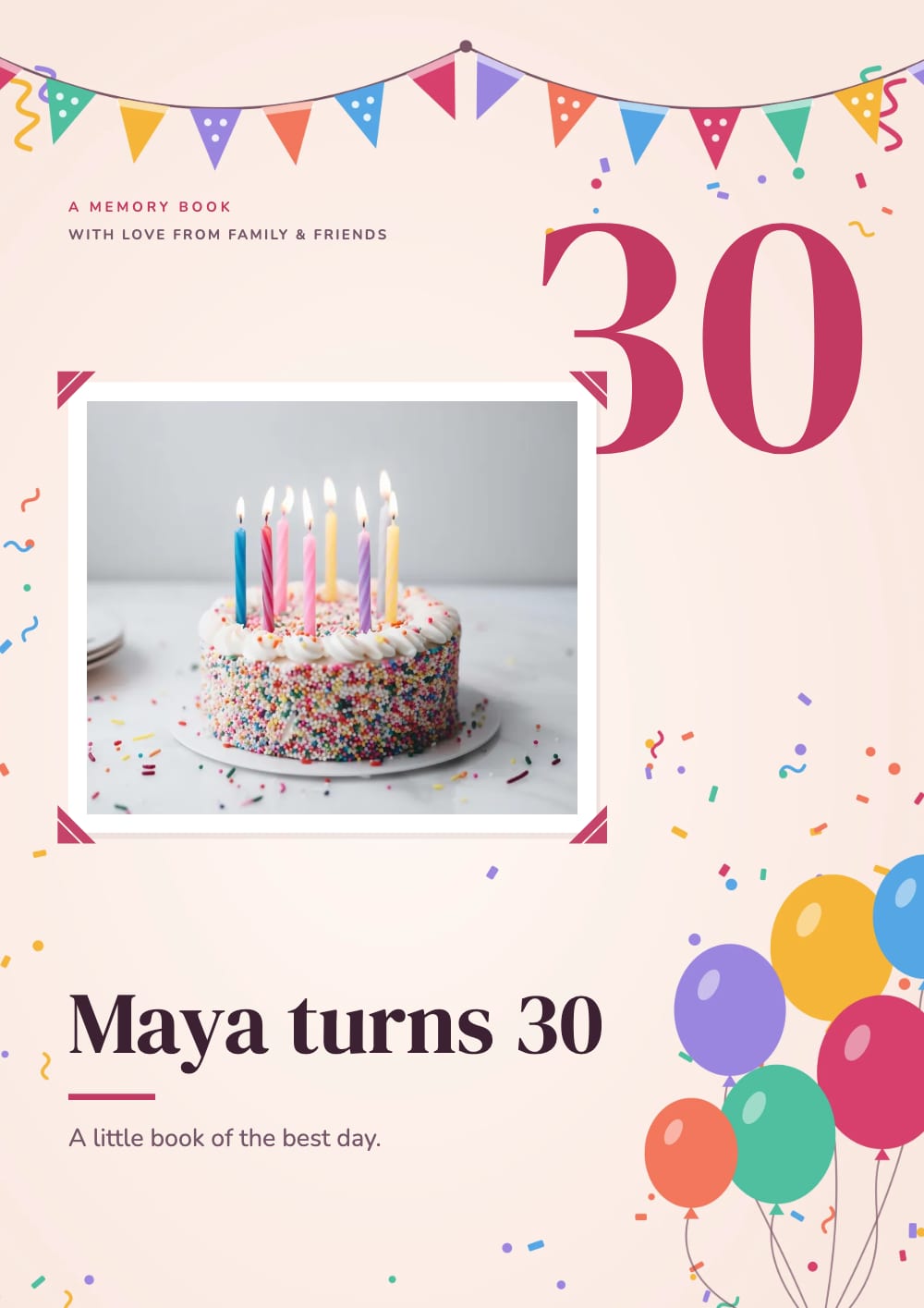
For a birthday, an anniversary or a trip, start from the birthday memory book. It comes with a song already chosen, so you only add the photos and a line for each moment. The book at the top of this page is that template: tap it to hear its song.
For a business, the music sets the mood of a catalogue: soft piano for jewellery, guitar for handmade goods, bells for a Christmas gift list, tabla for Diwali. Already made your catalogue here? Open it, tap Music at the top of the editor, then update your link.
Good to know
Links and websites
The song plays on your share link and in the flipbook you embed on your website. A downloaded PDF is silent.
Need a video file?
For Reels or WhatsApp Status, make a flipbook video: an MP4 with the pages turning to music.
Change it any time
Pick another track, or No music, then tap Update link in Share. Only the music changes, so the update is quick and the link stays the same.
Big audio files
Small MP3 and M4A files are kept as they are. Bigger files, and WAV or FLAC, are made lighter for the link and keep their first 3 minutes.
One song per flipbook
Every page shares the same track.
Questions
Is it free to make a flipbook with music?
Yes. The flipbook, the music and the share link are free, with no account. The tracks in the Music window need no credit. A shared flipbook shows a small "Made with CatalogLeaf" credit under the pages.
Does the music play on iPhones?
Yes, after one tap. iPhones and most phones ask for a tap before a page can play sound, so the link shows Tap for sound until then.
Can each page have its own song?
No. One track plays across the whole flipbook and loops. Pick one that suits the mood of all your pages.
Can I make a flipbook with music from a PDF?
Yes. Tap Start from a PDF and upload it; the Music window opens as soon as the flipbook is made. The song lives on the link, so the PDF you download stays silent.
Will the music play on my website?
Yes. Copy the embed code from Share and paste it into your page. The flipbook plays its song there too, with the same Tap for sound where the browser asks for a tap.
Which songs can I use?
Our tunes and the free tracks in the Music window are safe to share anywhere. For your own song, use one you made, bought a licence for, or have permission to use.