
Free online price list maker
Type your items and prices, or drop in a photo of each. They go into neat rows with codes and prices, over as many pages as the list needs. Download a PDF to print or send, or share a link you can keep up to date. No sign-up.
How it works
Add your items
Type a name and price for each, or drop in photos and each photo becomes an item. Add a code if customers order by code.
Pick the look
Clean Ledger, a plain white list, is already picked. Type your business name and a title, choose colours, or switch to another price list.
Download or share
Tap Create price list. Download the PDF, or share a link that always shows your latest prices.
What each row shows
Photo
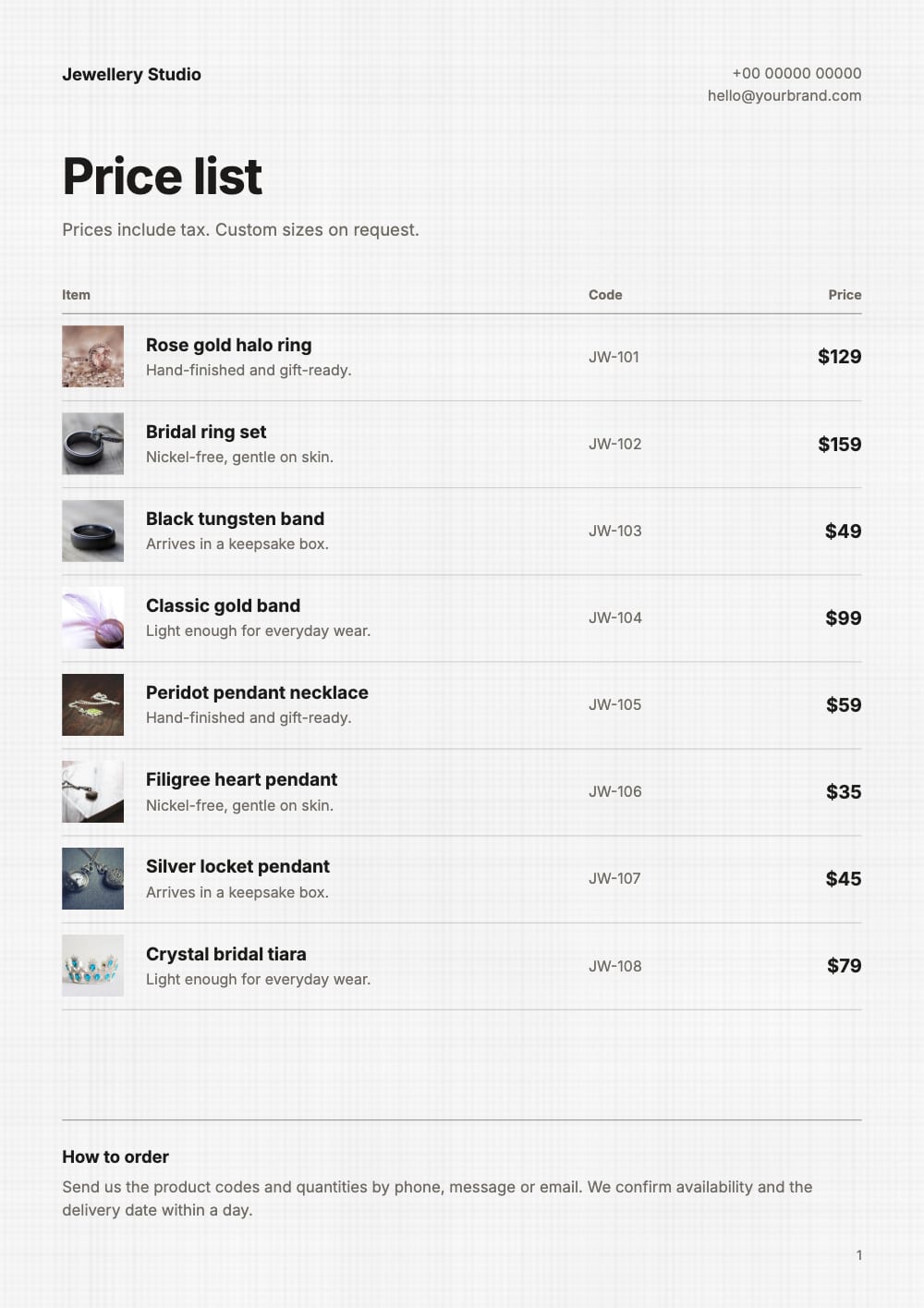
A small picture beside the name, so people can tell items apart. An item without a photo keeps a plain square, so the rows still line up.
Name and a short line
One line each, such as “Silver hoops, 20 mm” above “Sterling silver, sold as a pair”.
Code
Your item code or SKU in its own column, so an order can be as short as “2 × C14”.
Price
Lined up on the right, with the currency you pick for each item.
Sale price
Put an item on sale and its old price shows crossed out next to the new one.
Long lists carry on
Add every item you sell. When a page is full, the list continues on the next one under the same Item, Code and Price headings, with your business name at the top. The last page ends with a short “How to order” note that you can rewrite.
Keep each name to one line. A longer name is cut short to keep the rows even, so put sizes, colours and weights in the short line under it.
Price lists and rate lists for every kind of business
In many places a price list is called a rate list or a rate card. Every design works for both: only the title changes.
Jewellery
Clean Ledger and Champagne, with a code for every piece.
Cafes and bakeries
Menu Board, Café Board and Peach Fizz, with a small photo of each bake.
Salons and spas
Salon Menu and Nail Bar list services, each with a short note and a price.
Sarees and fabrics
Saree Rate List, Peacock Rate Card and Meter Rate.
Home and kitchen
Candle Bar, Tea Shop and Plain Price List.
Photos first
Picture Tiles puts big photos two to a row, for items people choose by looking.
Prices change. The link keeps up.
Your price list is saved in this browser. Open it from Your catalogs, change a price and download a new PDF. Sign in, free, to open it on another computer or phone as well.
Shared it as a link? Tap Update link after a change, and everyone who has it sees the new prices at the same address. A QR code you printed for the counter keeps working too.
Prices already in a spreadsheet?
Tap Start from a spreadsheet and upload the Excel or CSV file. Names, codes and prices are read for you and laid out as a grid of products, with a section for each category. The row-by-row designs above start from items you type or photos you drop in.
Questions
Is this price list maker free?
Yes. Making the list, downloading the PDF and sharing a link are free, with no account. Ads appear only on our own website, never on your price list.
Can I make a price list without photos?
Yes. Tap Add an item without a photo for each one, or add photos for some items only. A row without a photo keeps a plain square in its place.
Which currencies can I use?
Any. Pick the currency sign in front of each price. A sign you type with the price, such as ₹1,200, is kept as you typed it.
How do I send a price list on WhatsApp?
Download the PDF as Compact and attach it, or share a link: the chat shows your title and first page, and you can change prices later without sending it again.
Can I print it?
Yes. The price lists are A4 portrait. Choose HD when you download the PDF for the sharpest print, and check the smallest price on paper before you print many.
How is a price list different from a catalogue?
A price list puts many items on a page, one row each, for people who know what they want. A catalogue gives each product more room, with bigger photos and descriptions. See Product catalogue PDF.