
Fashion & accessories catalogue templates
12 free designs for fashion and accessories labels. A full product catalogue: cover, your story, product pages, a featured product and a contact page.
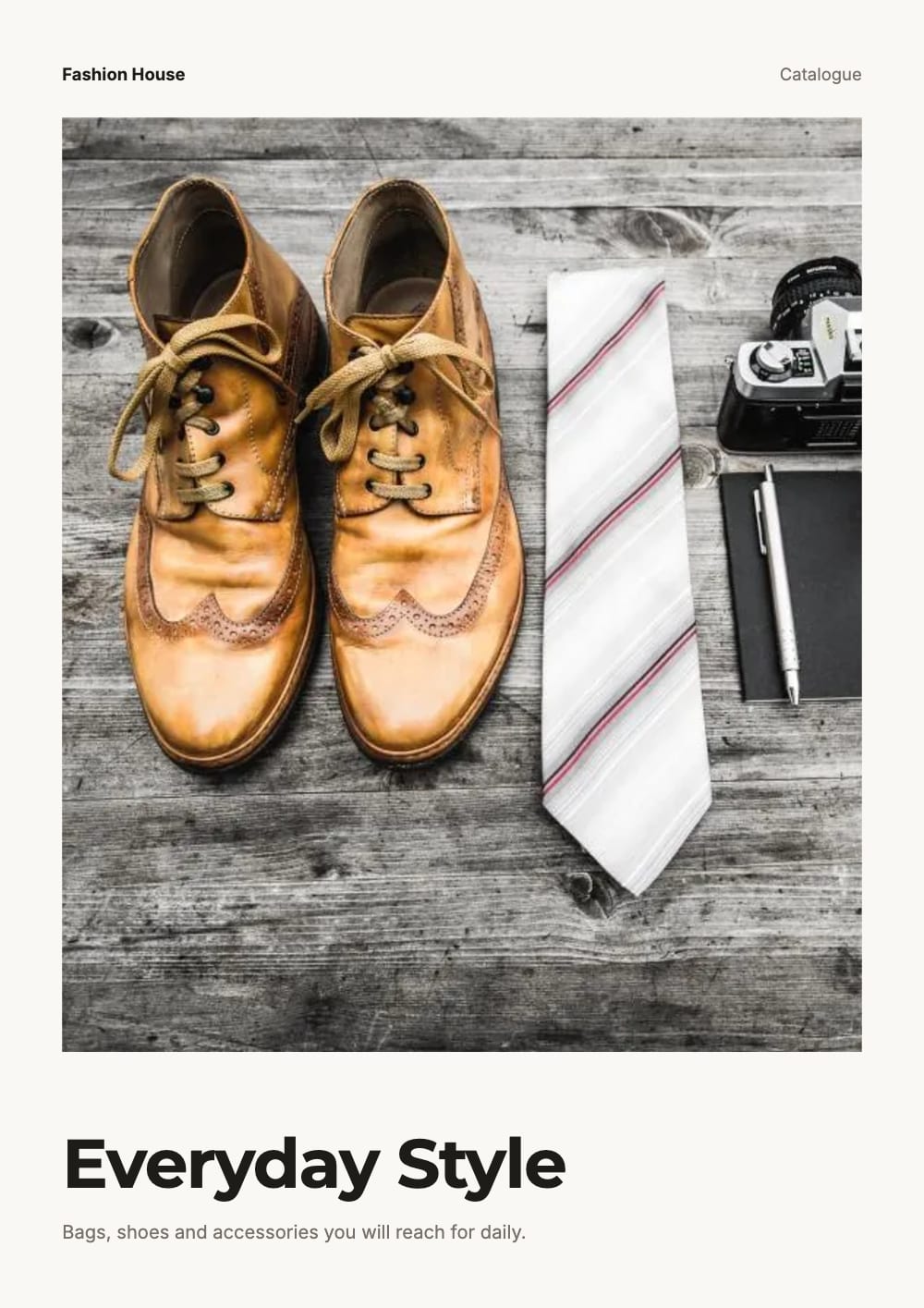
12 styles to choose from
Click a style to preview it with your business name and colours, then use it with your own photos.
- Everyday StyleA warm, editorial catalogue for bags, shoes and accessories.
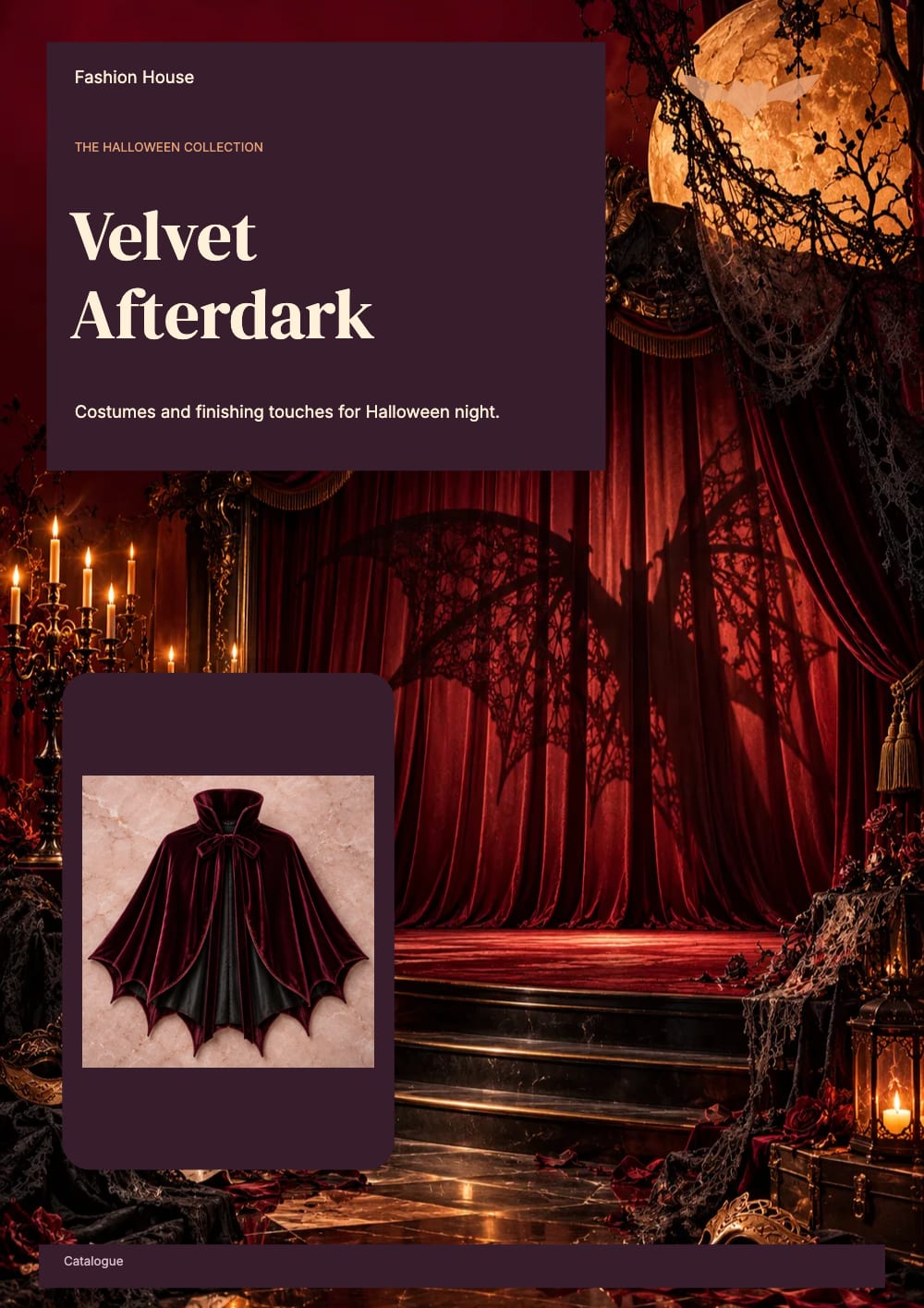
- Velvet AfterdarkA Halloween costume room with curtain margins, runway selections and fit and ordering notes.
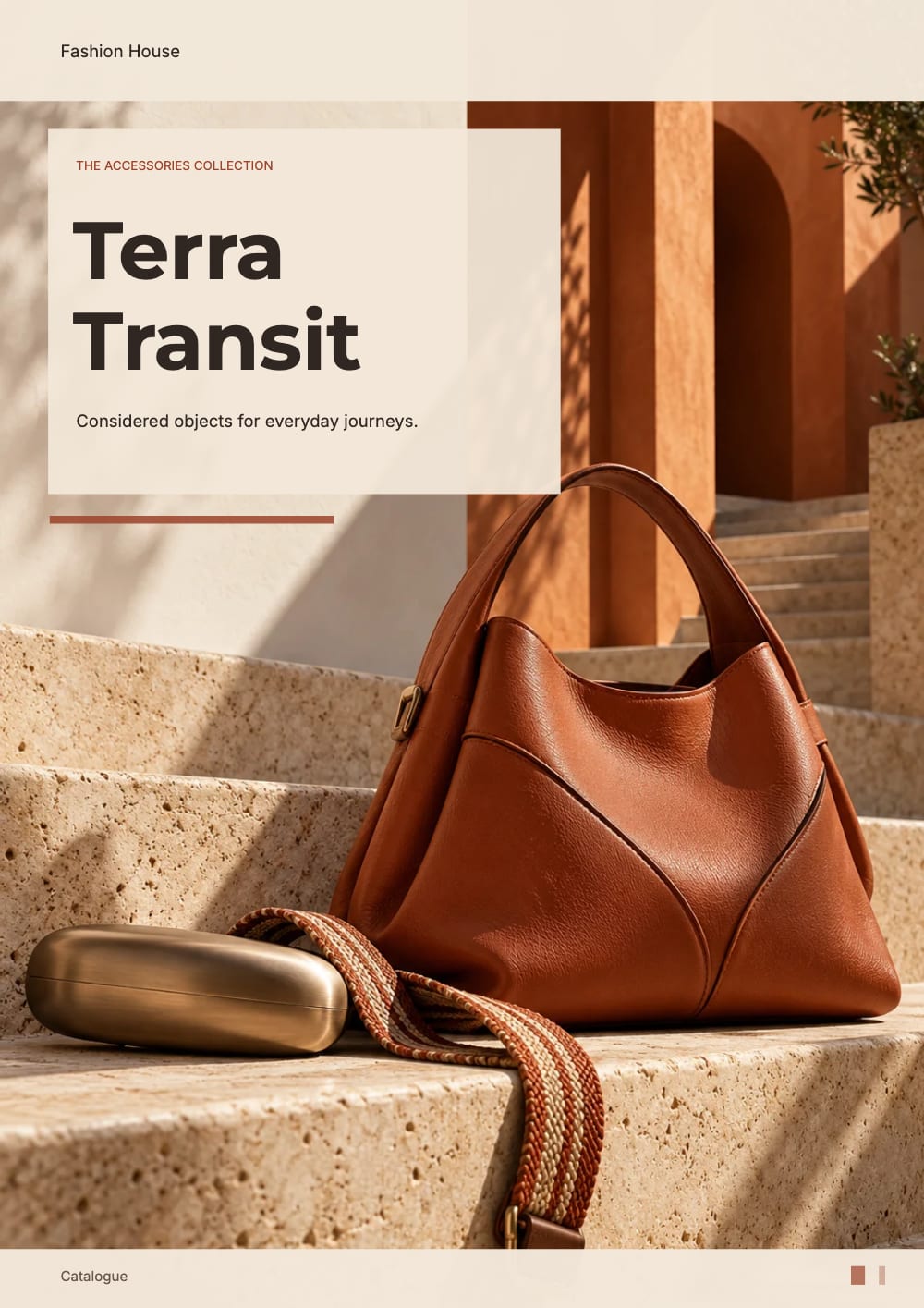
- Terra TransitTerracotta architecture, folded route-map artwork and sharply composed accessory rails for everyday travel.
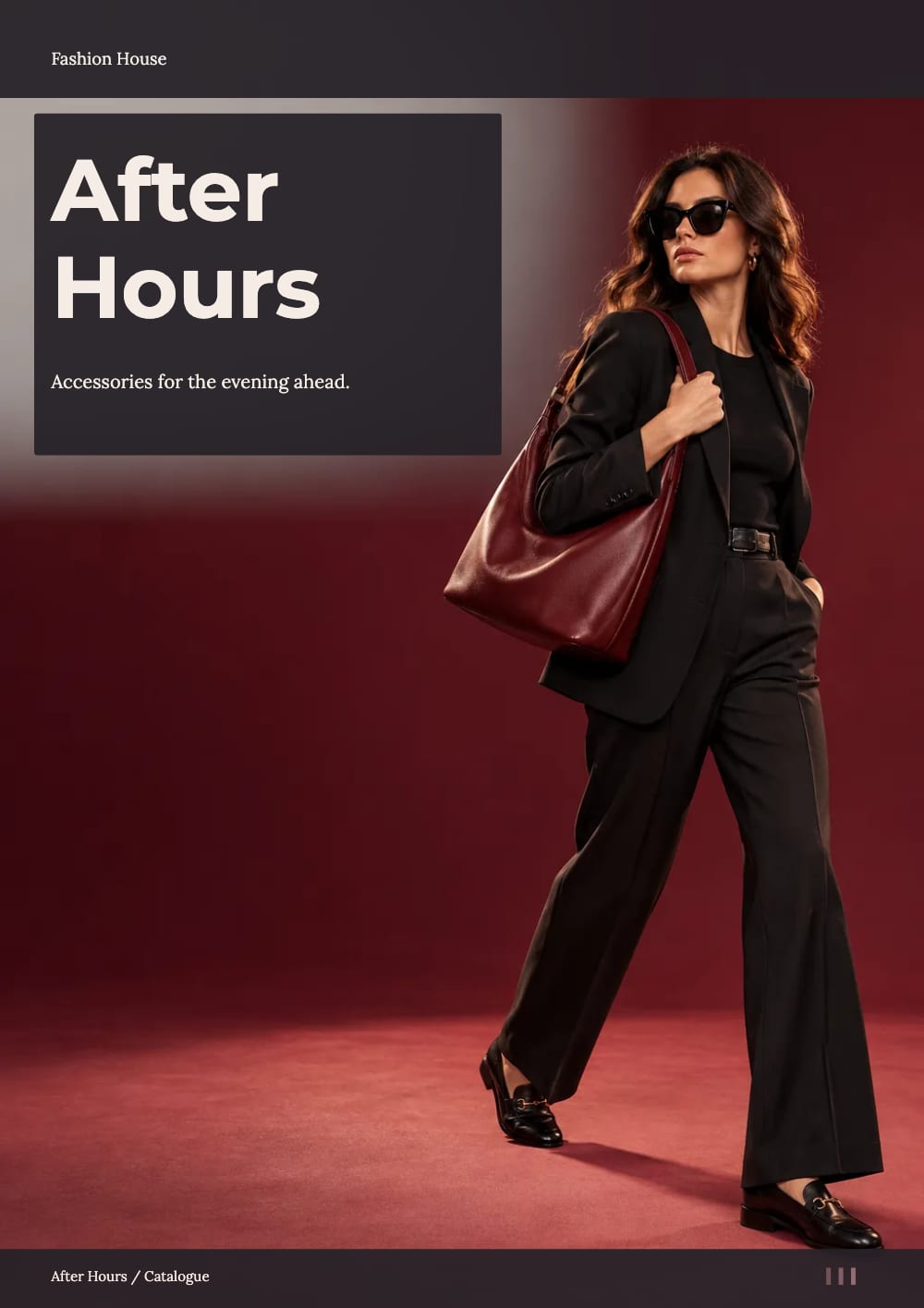
- After HoursA fashion night journal: full-height editorial crops, ticket-like detail cards and contrasting red-black panels.
- Off DutyA fashion zine with oversized headlines, edge crops and look annotations.
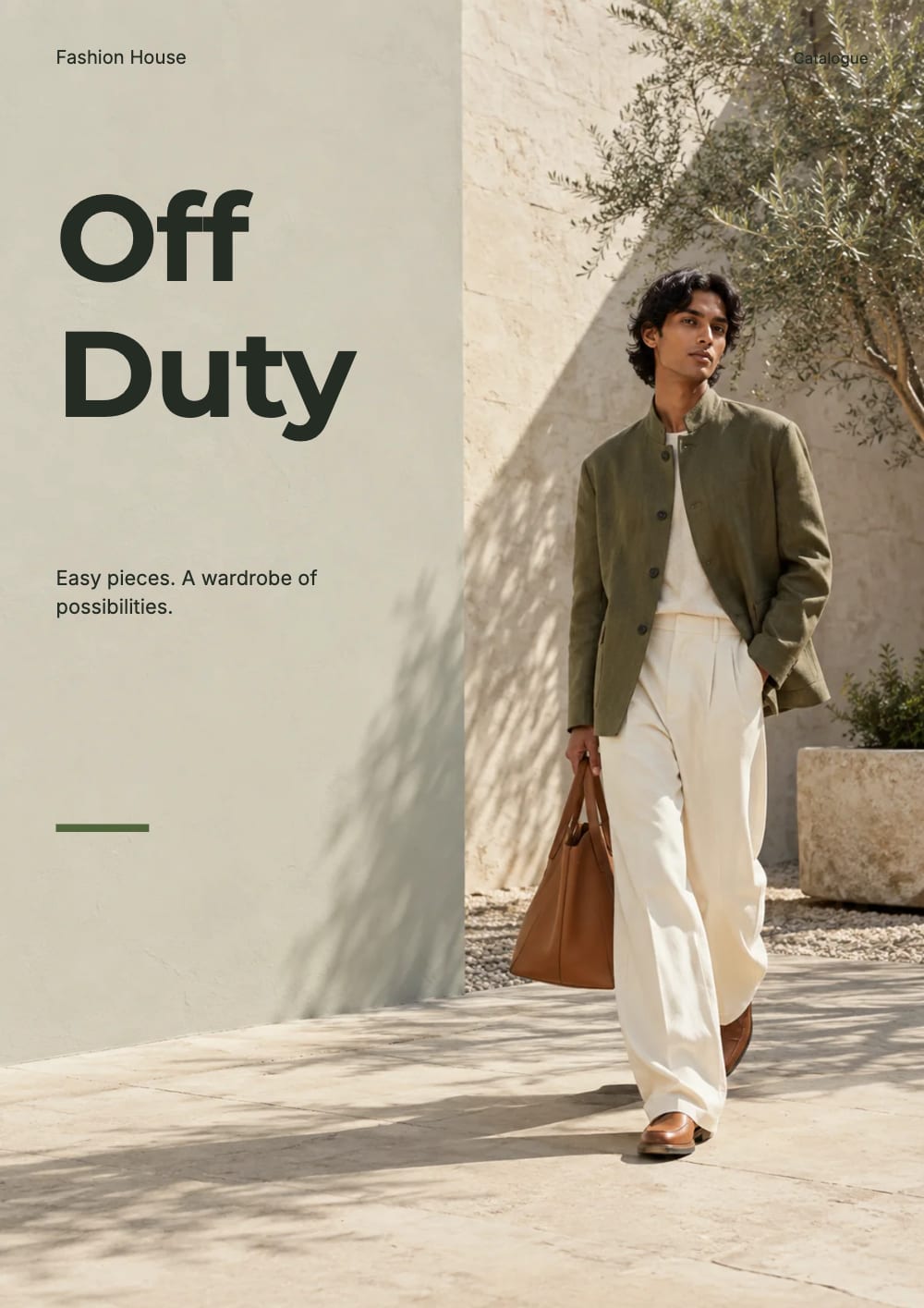
- Street EditNeon lime and black with big type: a loud streetwear catalogue nobody scrolls past.
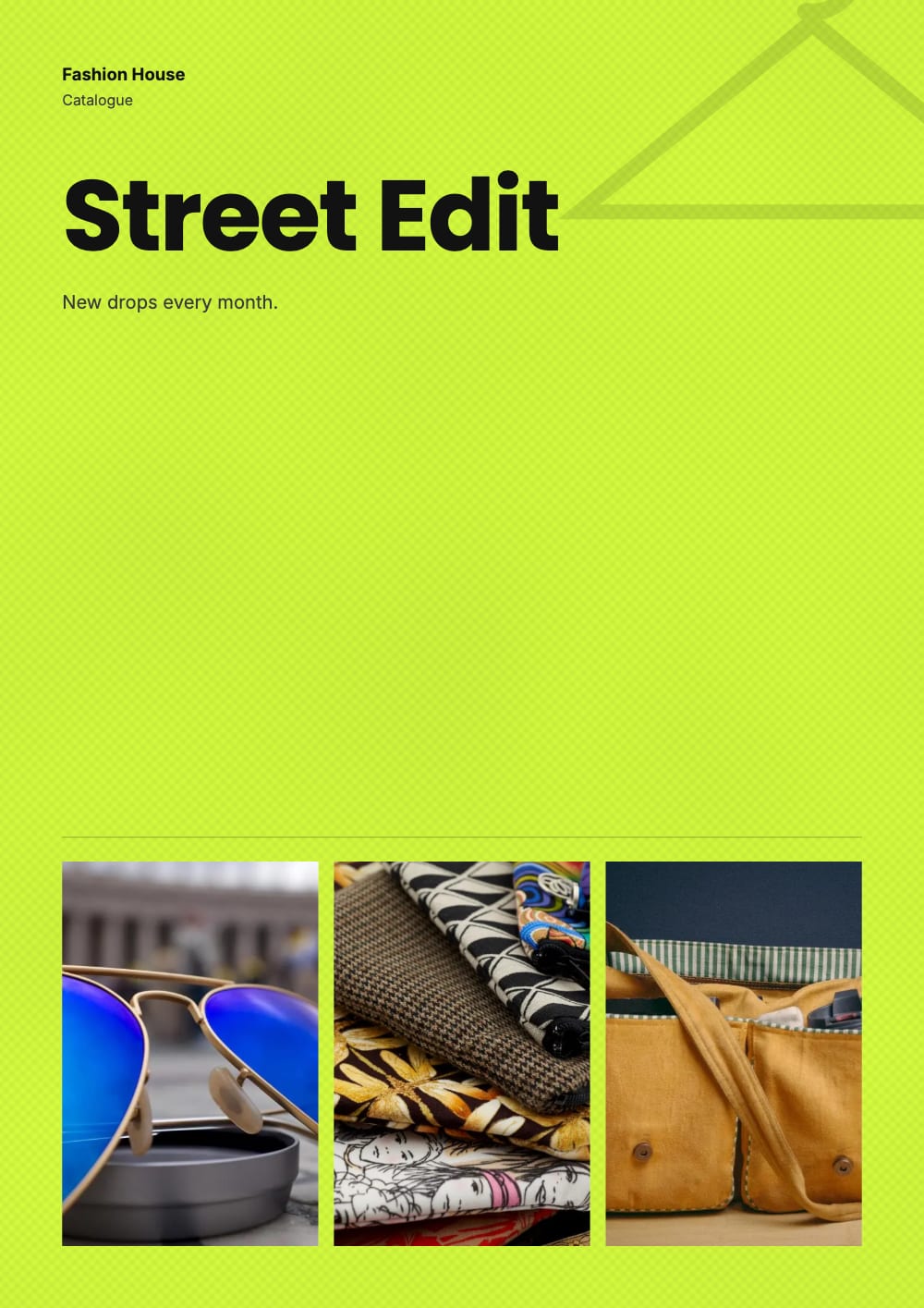
- AtelierLinen and tan with a framed cover: quiet and tailored.
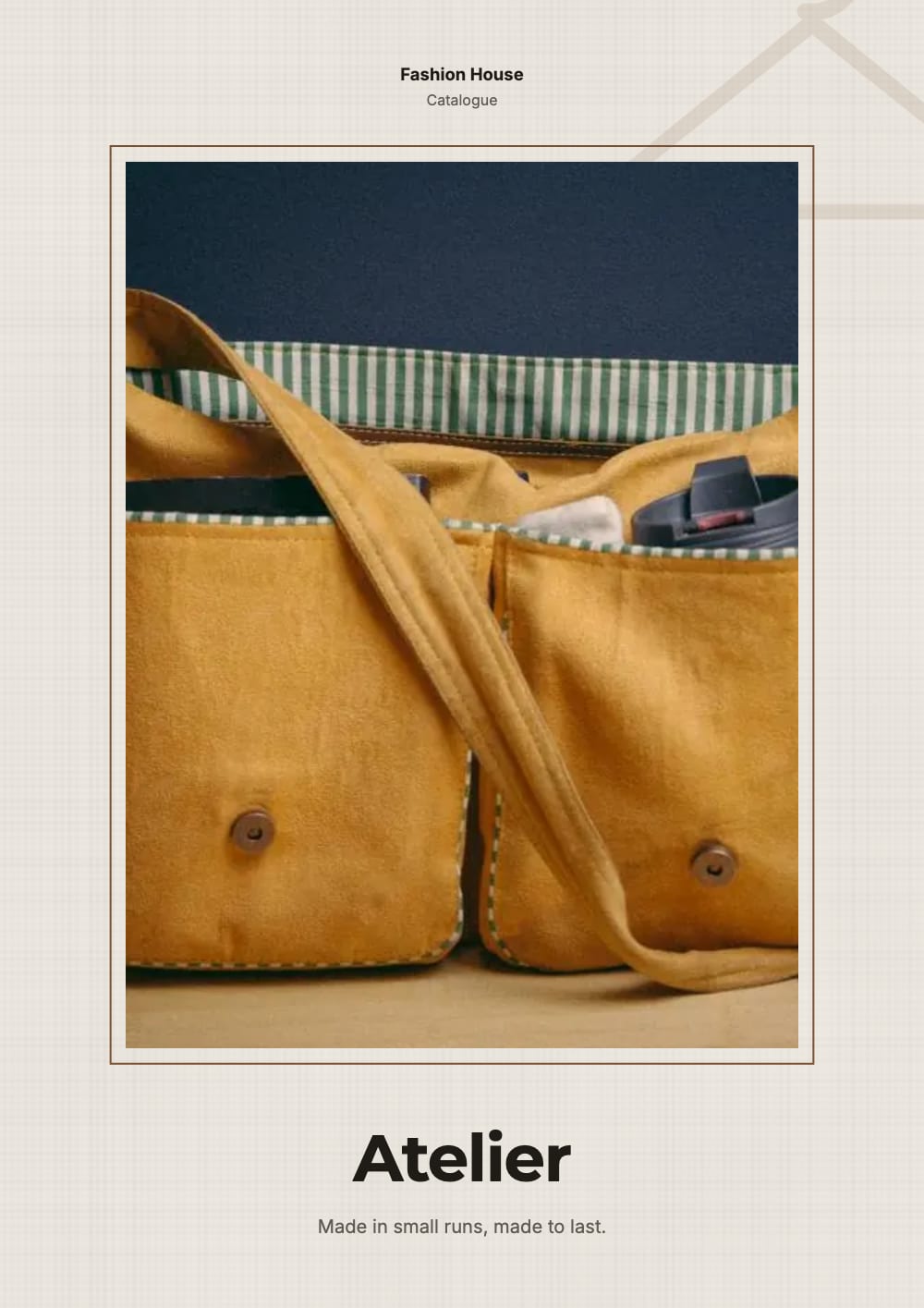
- Desert DaysSand and rust with a split cover and a setting sun, for summer accessories.
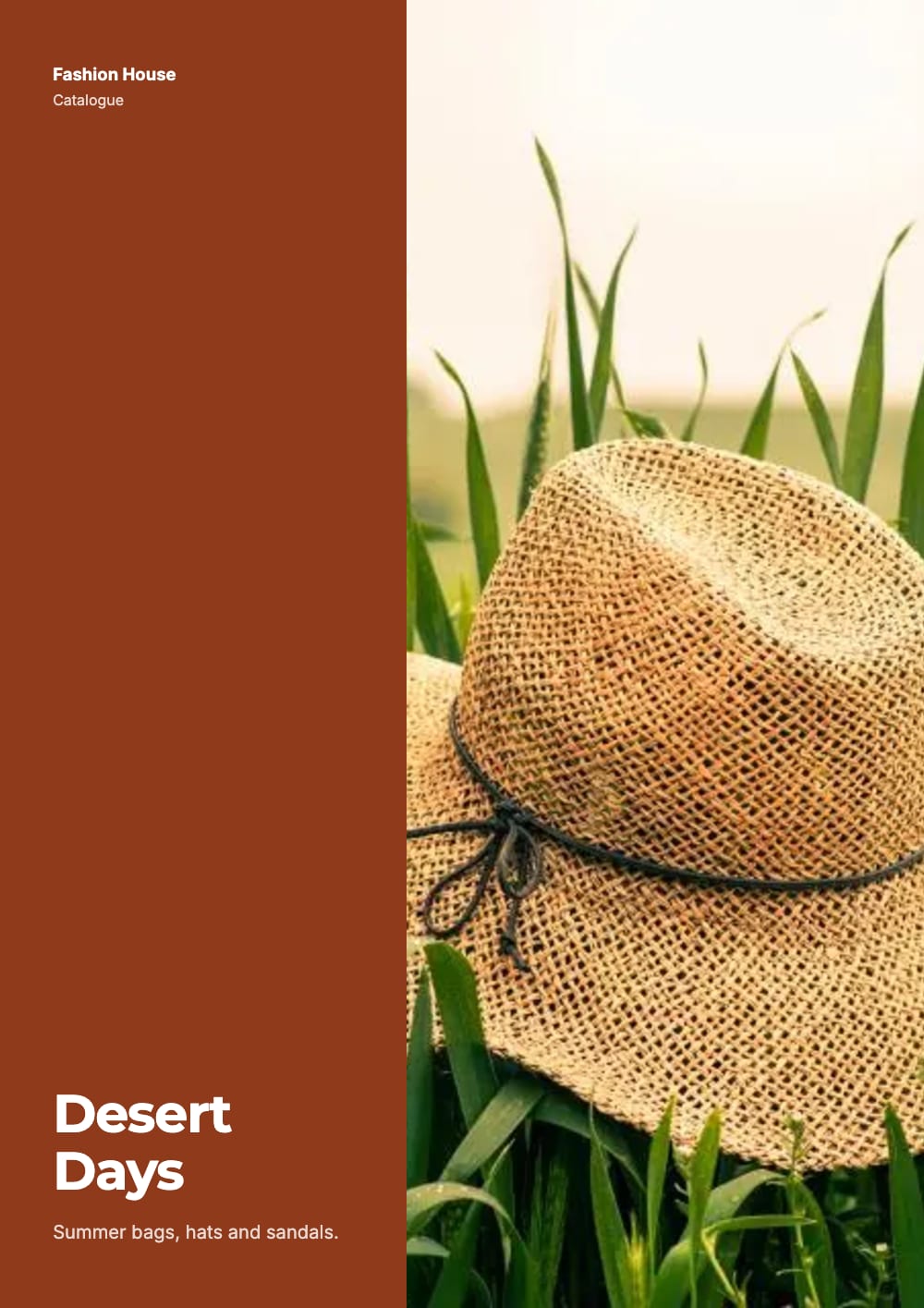
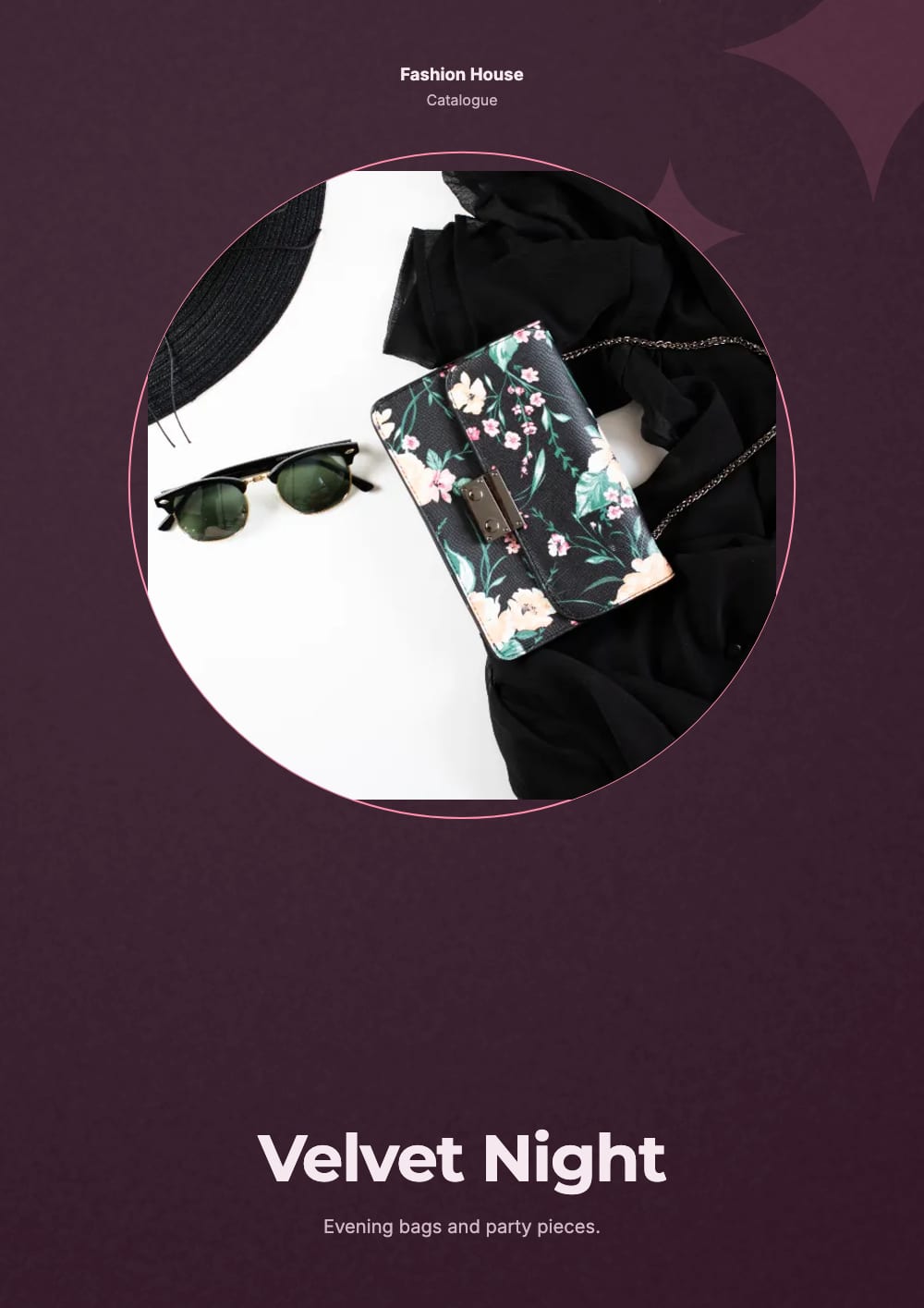
- Velvet NightDeep plum velvet with pink light, for evening and party wear.
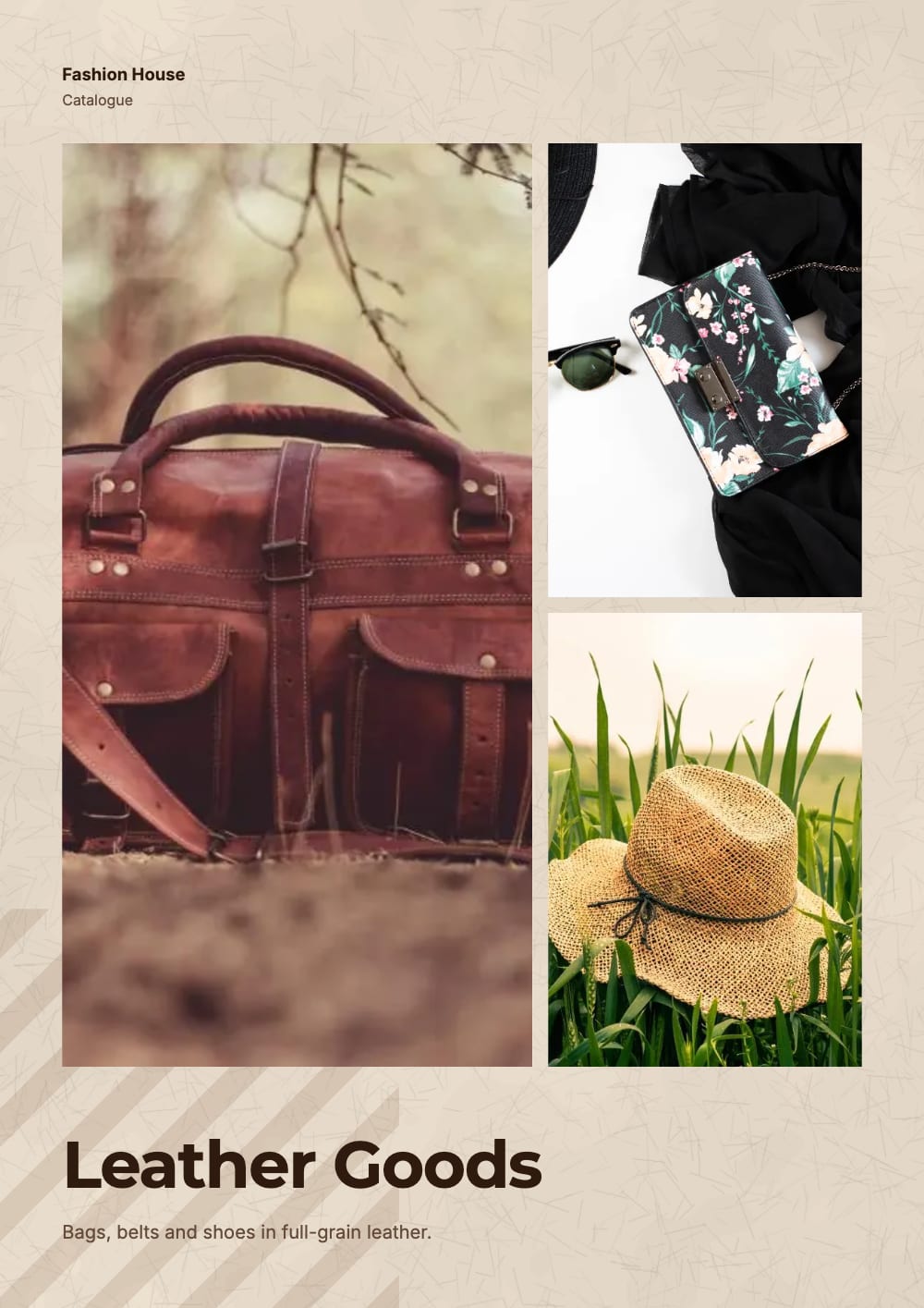
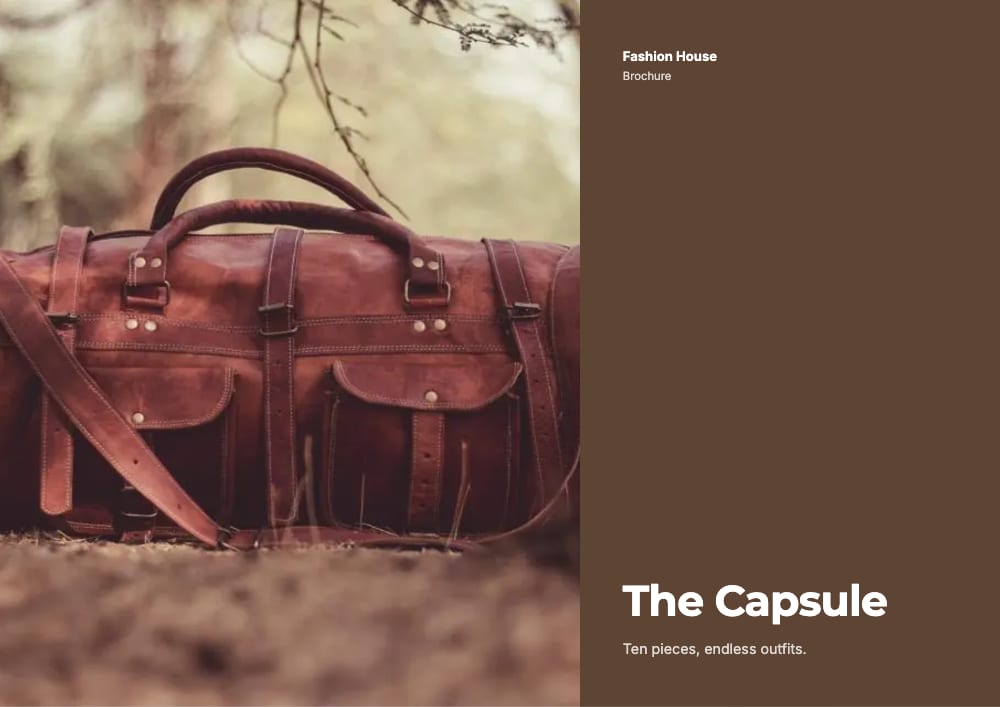
- Leather GoodsTan leather tones with a three-photo cover for bags and shoes.
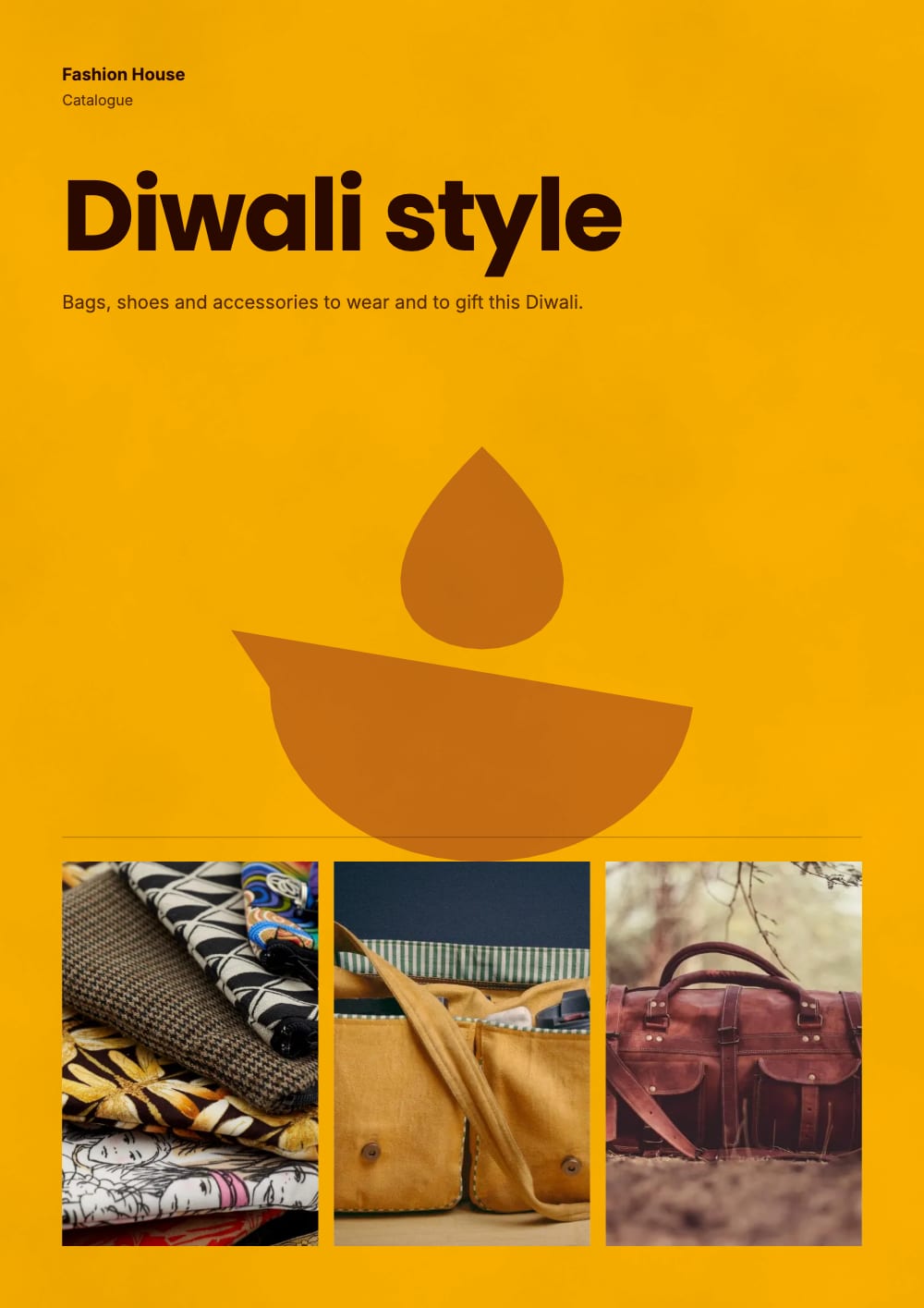
- Diwali EditMarigold yellow with deep maroon and a big lit diya on the cover: a bright festive catalogue for Diwali fashion and gifts.
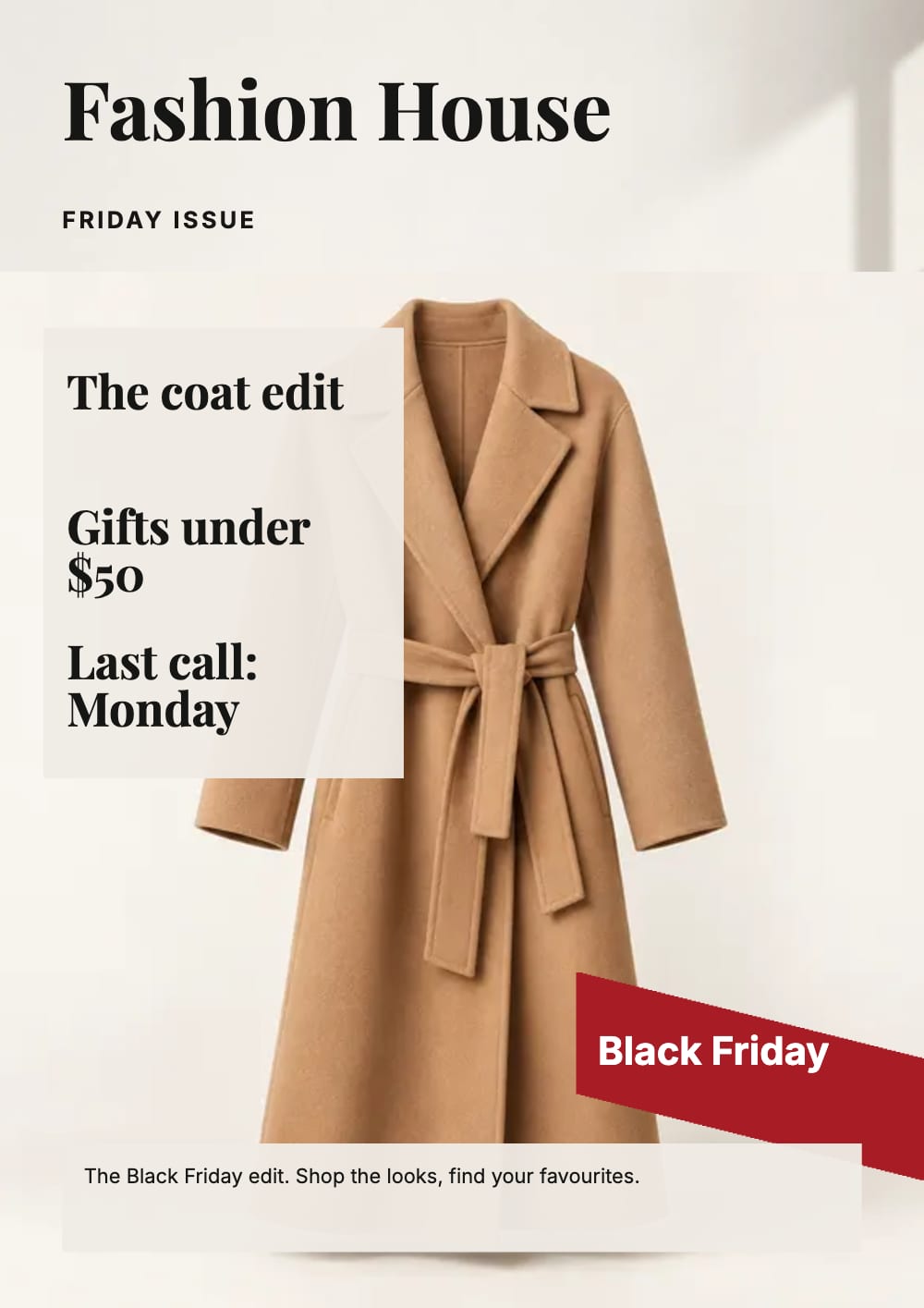
- Friday IssueA fashion magazine with cover lines, a deal index, shop-the-look pages and bold price-slash ribbons.
More templates like these
What's inside
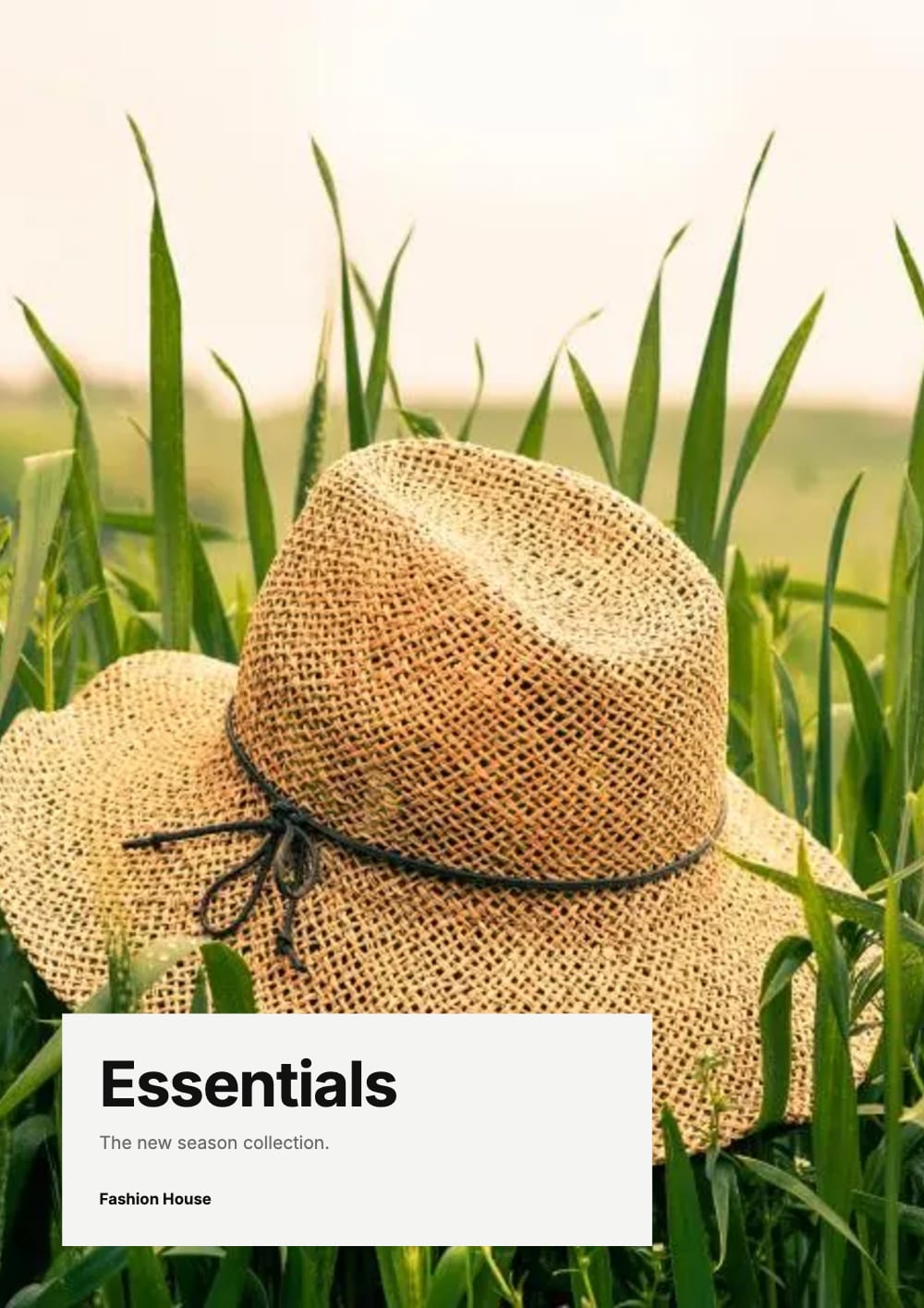
- A cover with your best product photo
- About your business, with three reasons to buy
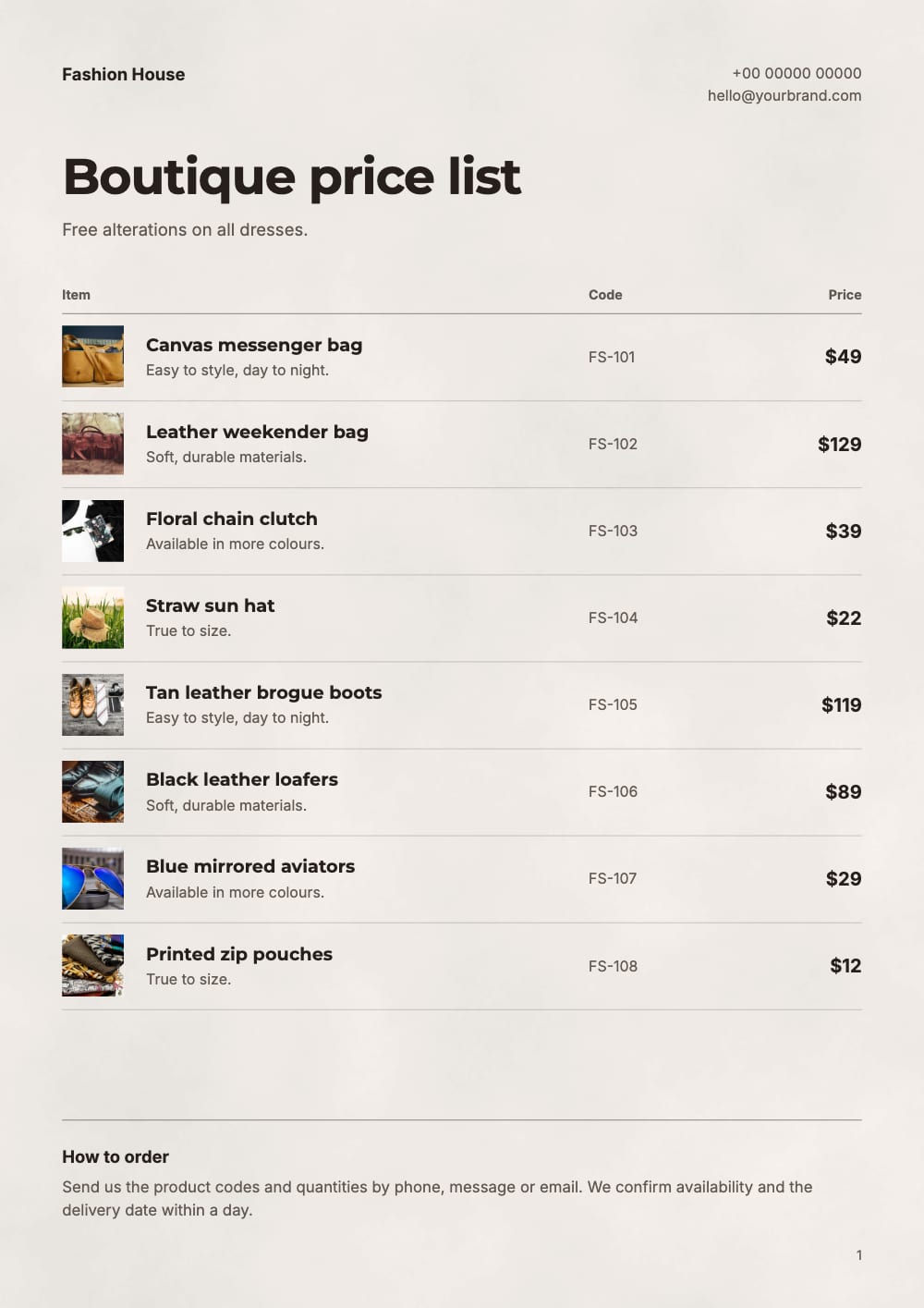
- Product pages: photo, name, code, price and a short description
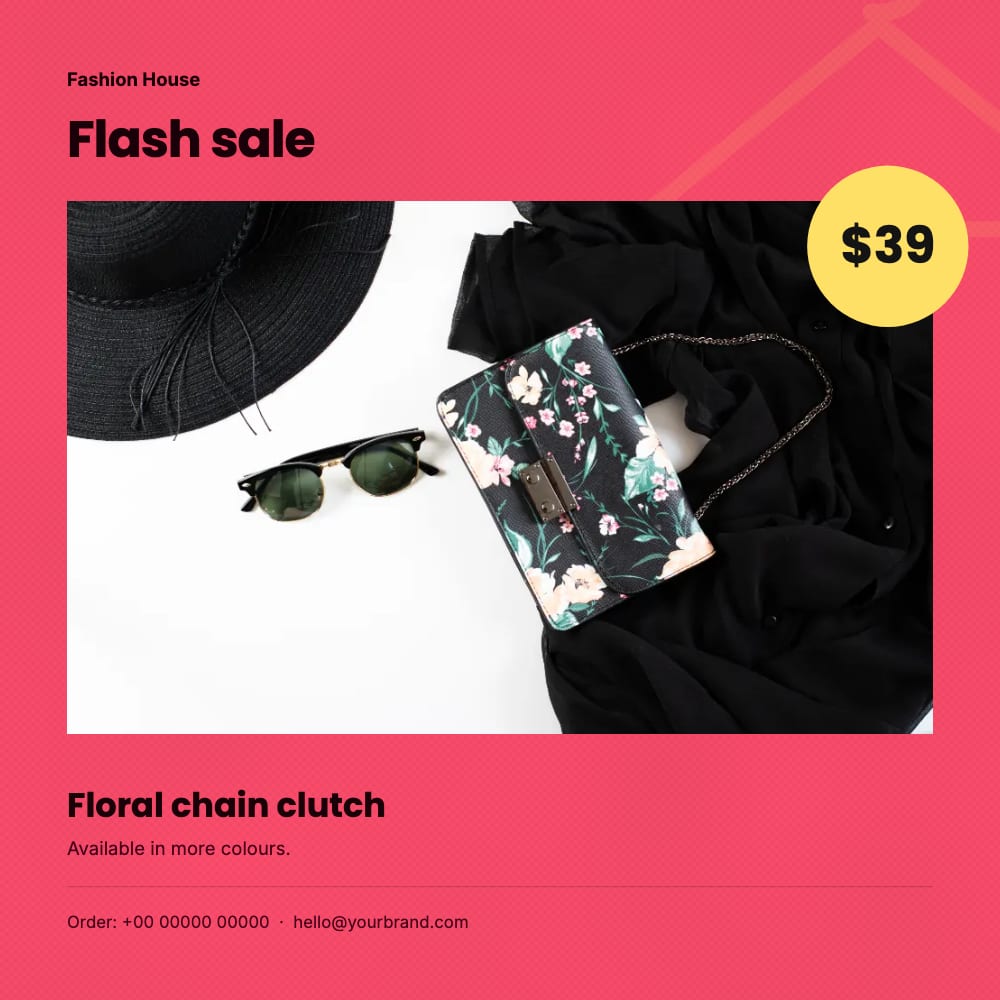
- A featured product with its details
- A contact page
Made for fashion and accessories labels. Size: A4 portrait. Sample photos are for preview: yours replace them.
What a fashion catalogue needs
Fashion customers want to see a piece worn, so lead with photos on a person where you have them and use flat shots for the rest. Give each piece its sizes and fabric and, for bags and shoes, the measurements.
Arrange the catalogue as looks or by category, such as tops, dresses, bags and accessories, and mark new arrivals and best sellers. A short line on returns or exchanges on the back page answers the question most buyers have before they order.
Which style to choose
Everyday Style is warm and editorial for bags, shoes and accessories, Leather Goods suits bags and shoes with a three-photo cover, and Atelier, in linen and tan, is quiet and tailored. Street Edit is neon lime and black for streetwear, Velvet Night is plum velvet for evening and party wear, and Desert Days is sand and rust for summer.
Diwali Edit, with a lit diya, and Friday Issue, a Black Friday magazine with a deal index, are for the sale season. Terra Transit, After Hours and Off Duty are magazine-style books of 10 and 11 pages, and Velvet Afterdark is for Halloween costumes.
Questions
Can customers order straight from the catalogue?
Yes. Add a Buy button to a product and it links to your website, or opens a WhatsApp message to order that piece.
Step-by-step guides
Related templates
Want your own design?
Want your own design? Start from your photos or a blank page.